
Getting people in
The display shows a QR code and a six-character code. People scan or type it, pick a name, and they’re in your lobby. No accounts, no app, nothing to install. Up to 50 of them.
One question goes to the whole room: “Name something everyone pretends to enjoy.” Everyone answers on their own phone, in private. Matching answers are grouped together, and the biggest group wins the round. The smallest group pays for it.
So don’t reach for the clever answer, or the funny one. Reach for the obvious one, the one you’re sure half the room will write too. Read the room right and you win it. Misread it and everybody finds out.
It’s a simple idea that gets a quiet room arguing within minutes.
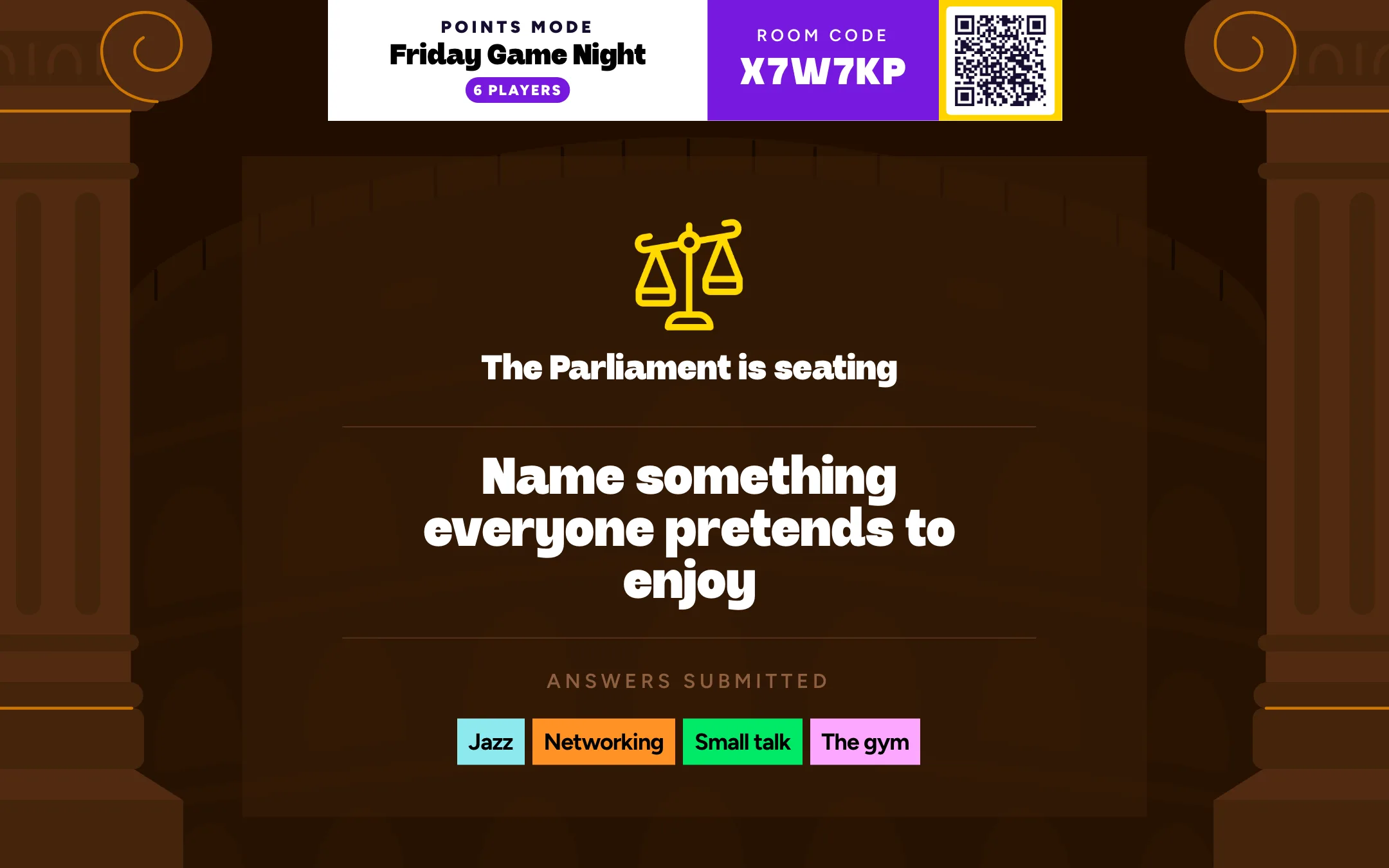
Rounds all run the same way. Once you’ve seen one, you’ve seen them all, and the whole thing takes a couple of minutes.
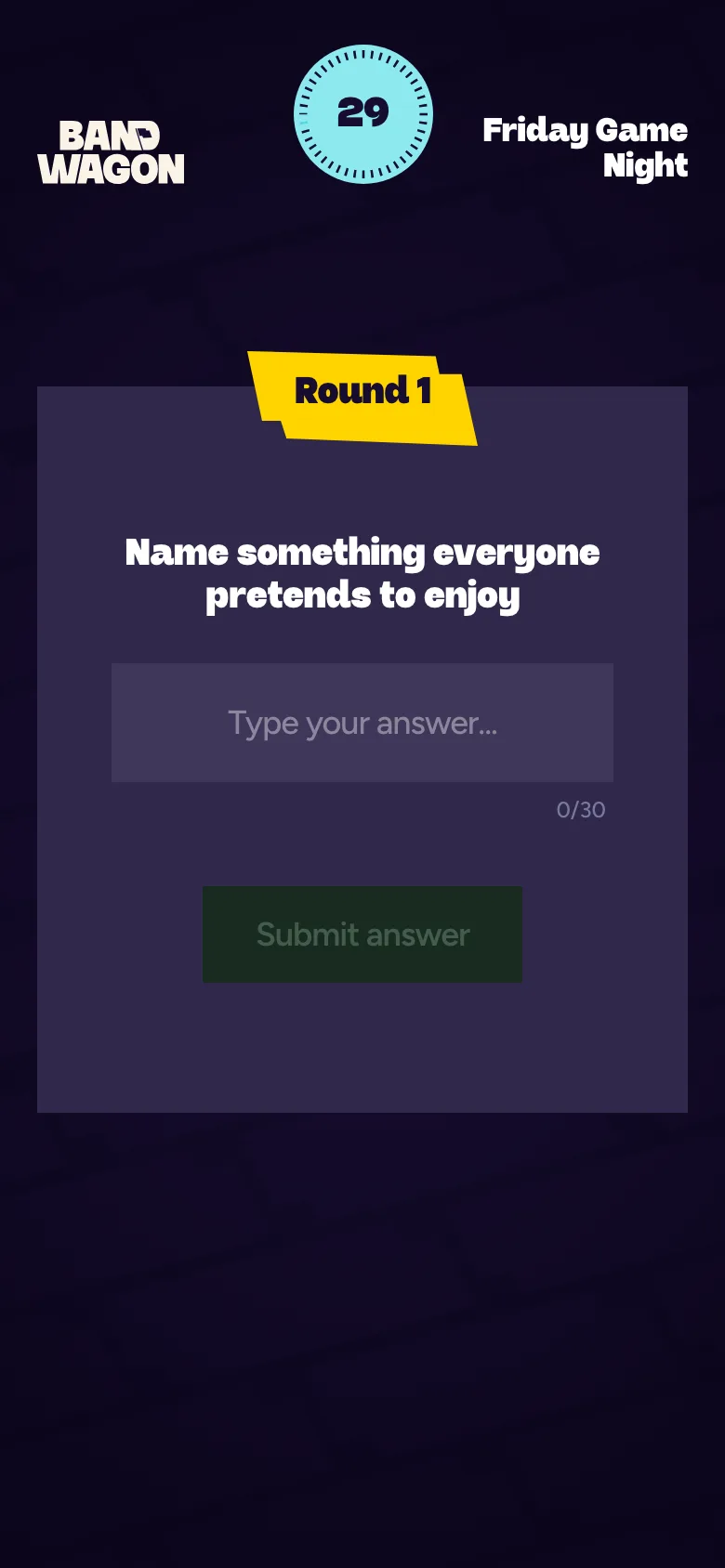
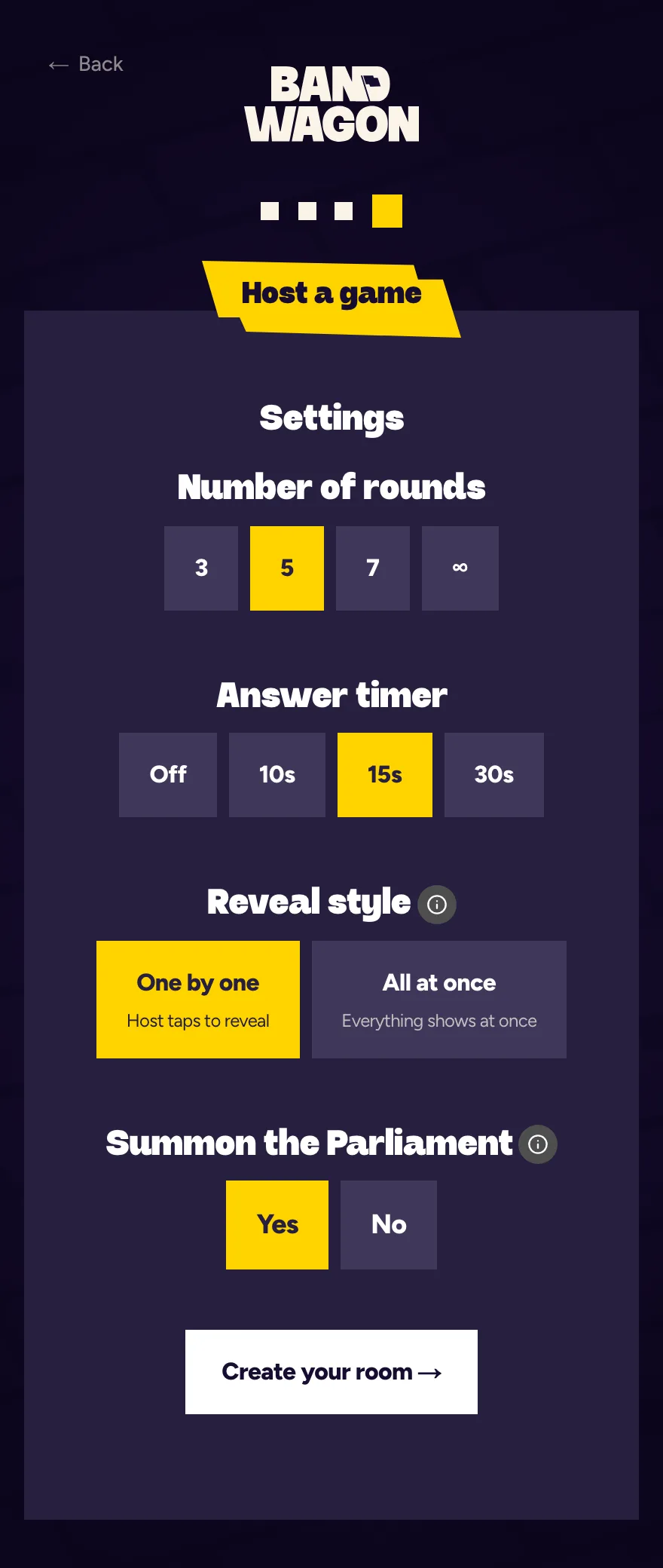
The host sends a question. It lands on every phone and on the big screen at the same time. If the room has a timer, the countdown starts: 10, 15 or 30 seconds.
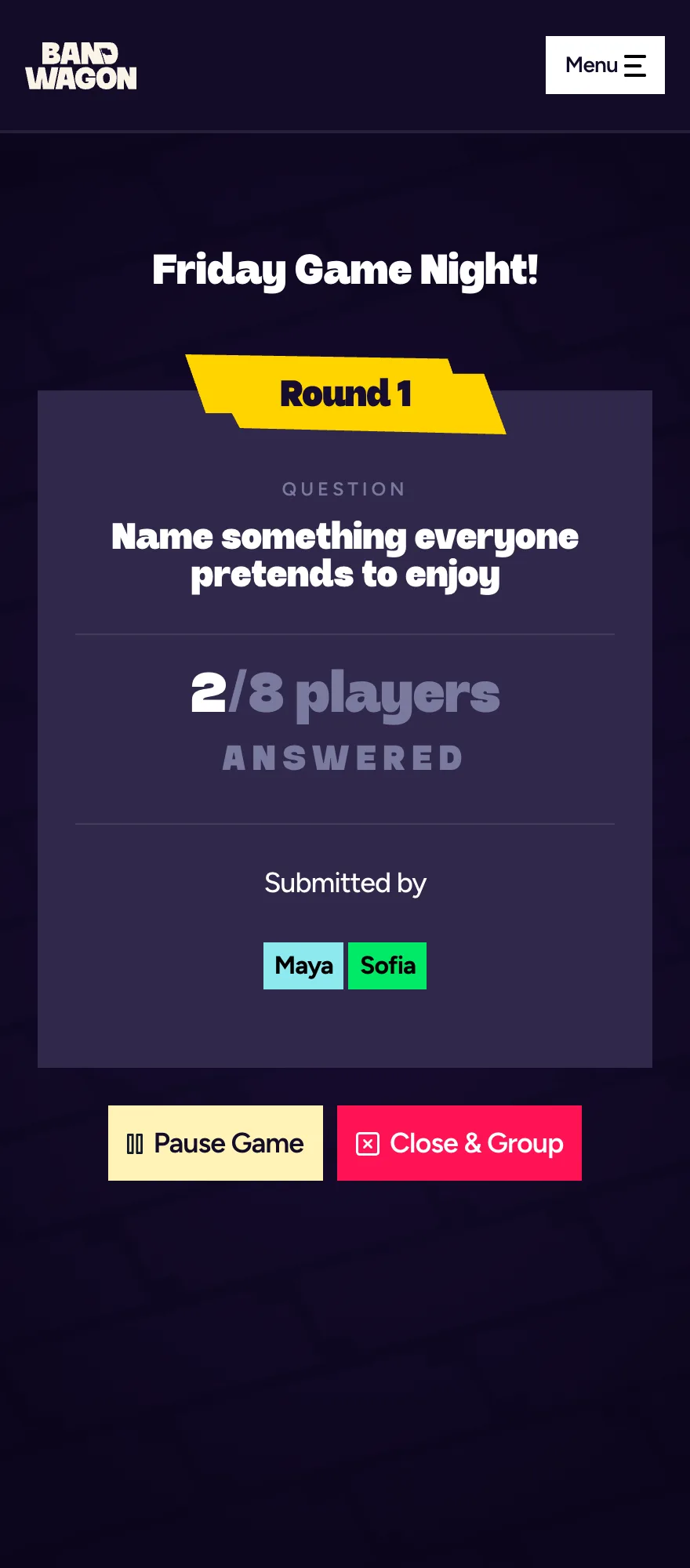
You type up to 30 characters and submit. Nobody sees anyone’s answer yet, including the host. The screen only shows how many people are in so far.
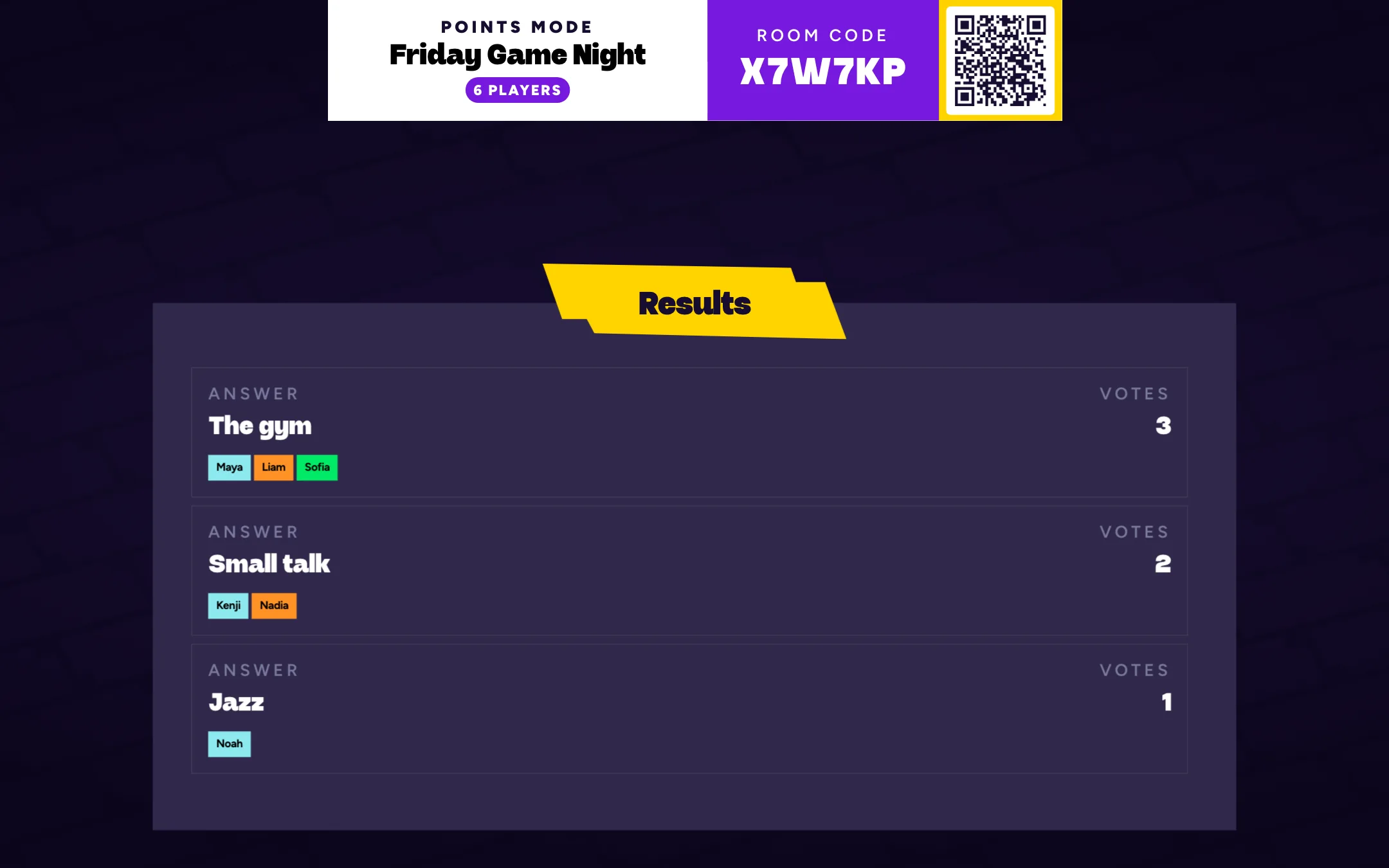
Answers that mean the same thing are put together, spelling slips and all. The host checks the groups, and on a close call they can put it to the room.
Groups come up one at a time or all at once, depending on how the host set the room up. You’ll see which group you landed in and how big it was.
Points or a knockout, depending on the mode. Then the standings go up, and the host starts the next round.
The biggest group takes the round: whichever answer the most people wrote. Everyone in it wins together, so the people who agreed with you aren’t your rivals, they’re your proof.
| You’re in the biggest group | That’s the win. In Points you score the most that round; in Knockout you’re safe for another round. |
|---|---|
| The whole room agrees | One group, everybody in it. The entire room takes the round and nobody loses anything. |
| Your answer gets merged in | Worded it differently? If your answer is judged to mean the same as another group’s, you join them, and your numbers can be what pushes them to the top. |
| Nobody wins | If every group is the same size, no answer was more popular than any other. In Points, nobody scores that round. |
| And the other end | The smallest answer group loses: fewest points in Points, knocked out in Knockout. Miss the timer in Knockout and it counts as losing, so put something down either way. |
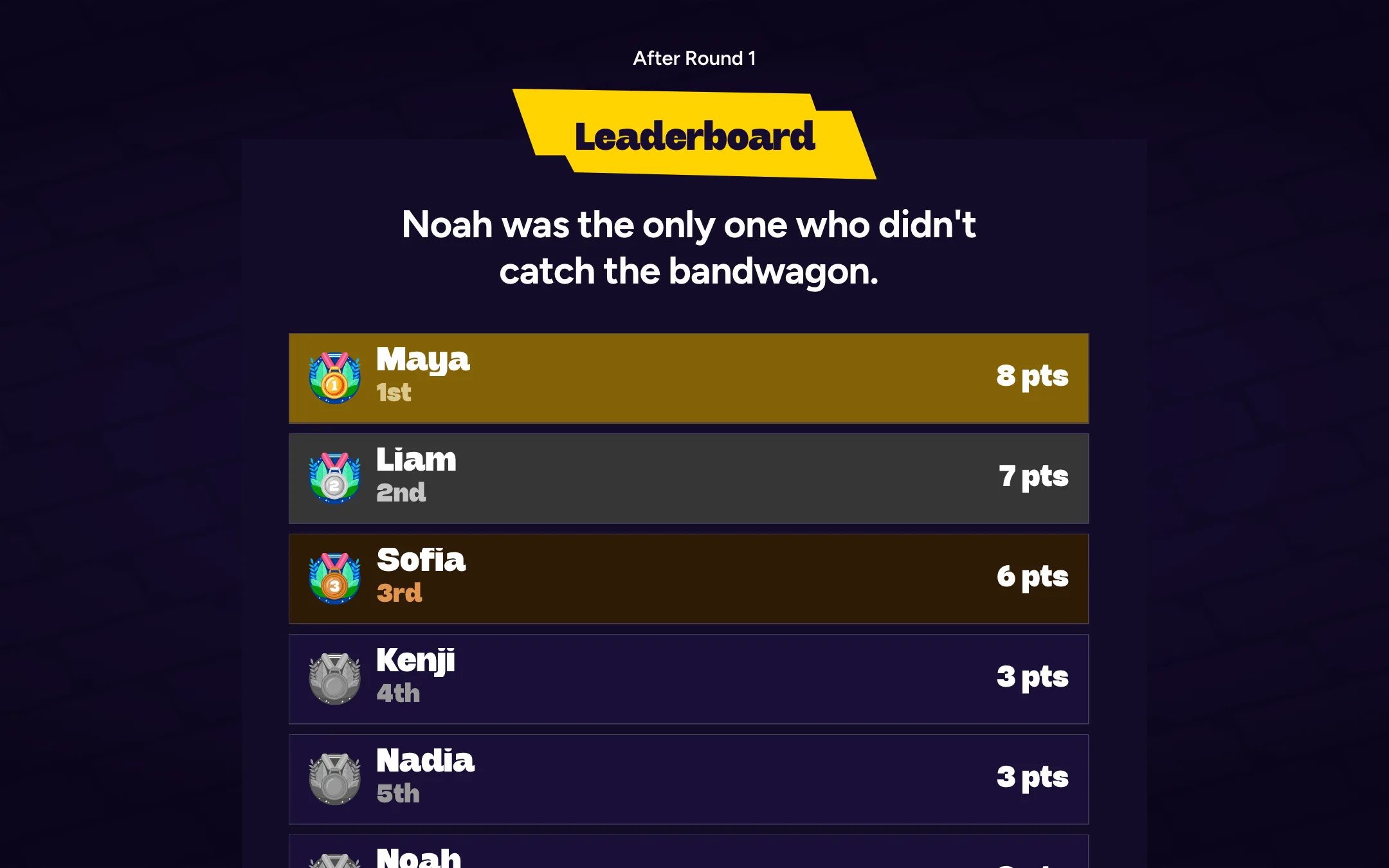
Nobody’s knocked out here. You score each round by how popular your answer group was, with bonuses for being quick and for staying with the crowd. Highest total wins, and it ends on a podium.
People can join at any time. Someone who turns up in round three picks up a phone, types the code and plays the next round — no restart, no waiting for the game to end. Points is the mode for a room where people drift in and out.
(base + speed + streak) × round multiplier
| Base points | The most popular answer group scores most, the next one less, and so on down. In a room of six that’s 5, 3 and 2; every other answer group gets 1. Bigger rooms spread the points across more groups. |
|---|---|
| Speed bonus | The first three people into the biggest answer group get +3 · +2 · +1. Quick and wrong earns you nothing. |
| Streak bonus | Land in the biggest answer group two rounds running for +2, three for +4, and so on. Miss once and your streak goes back to zero. |
| Round multiplier | Starts at 1.0× and climbs +0.2× a round, up to 2.0×. The last round is always 2.0×, so a late run can still take it. |
| Everyone ties | If every answer group is the same size, nothing was popular, so nobody scores that round. |
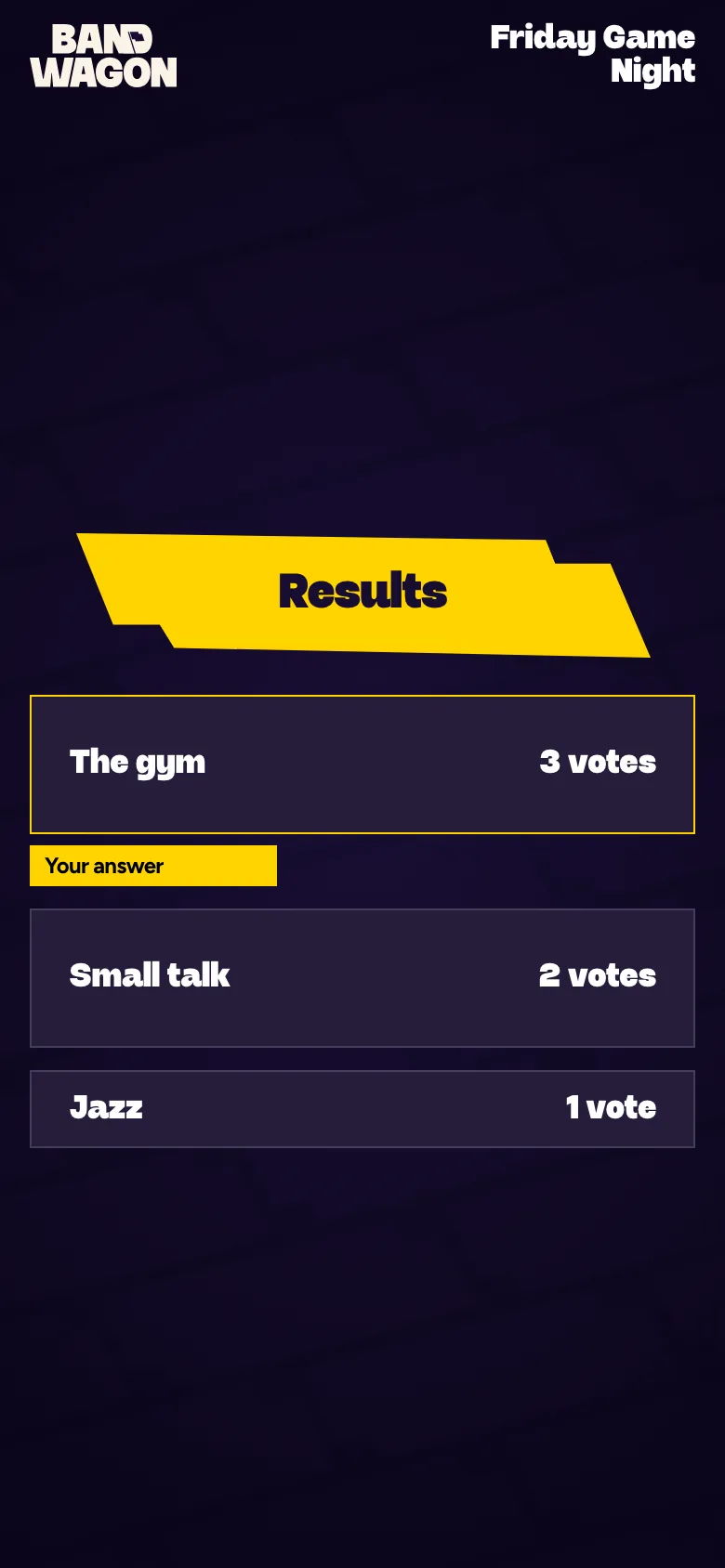
Six of you are playing. It’s round 3. You said “The gym” along with three others, the biggest answer group, and you were the second of them to hit submit. You were in the biggest answer group in rounds 1 and 2 as well.
11 × 1.4 = 15.4, rounded to 15.
Every round takes somebody out. The room thins until two of you are left, and then it gets personal.
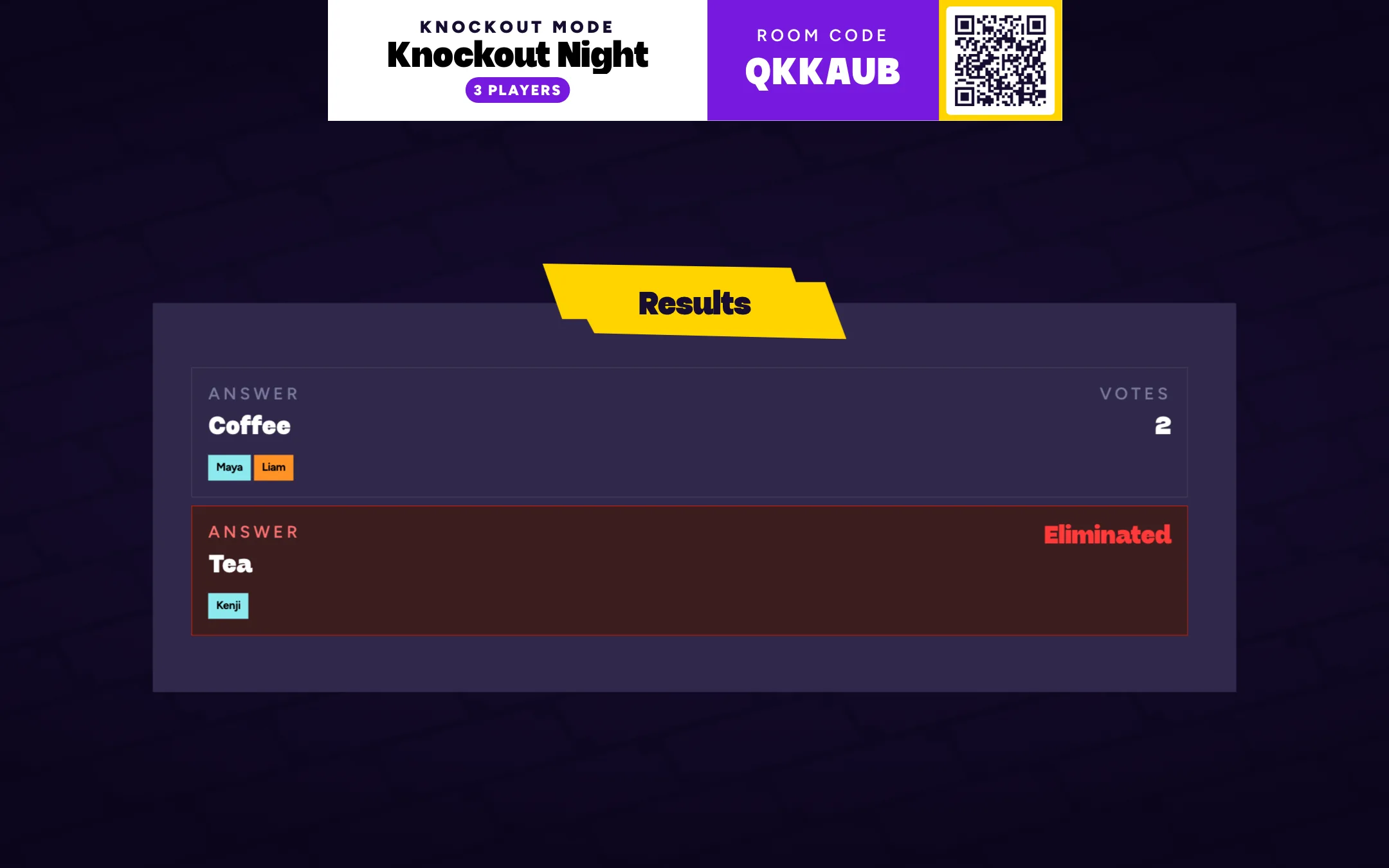
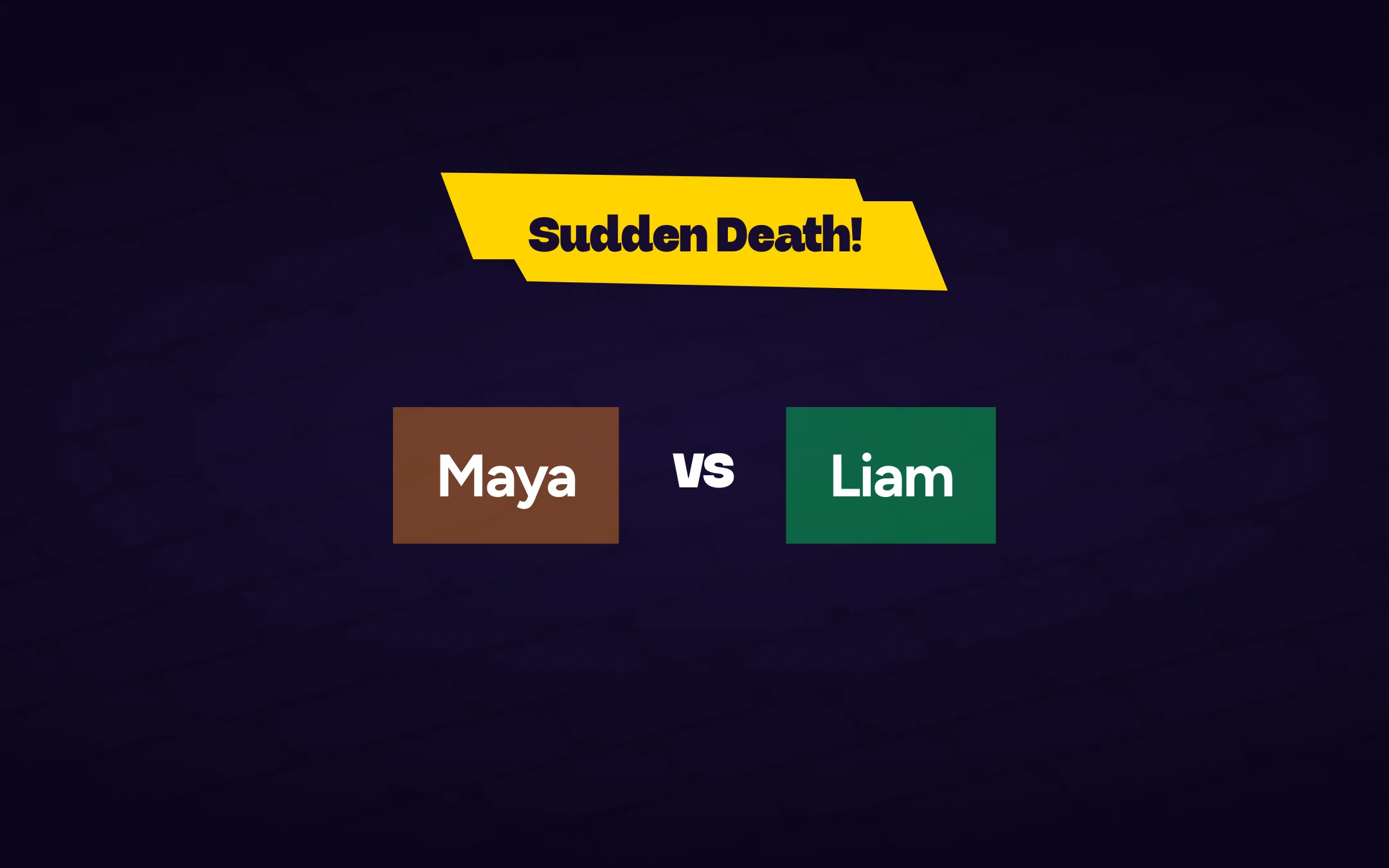
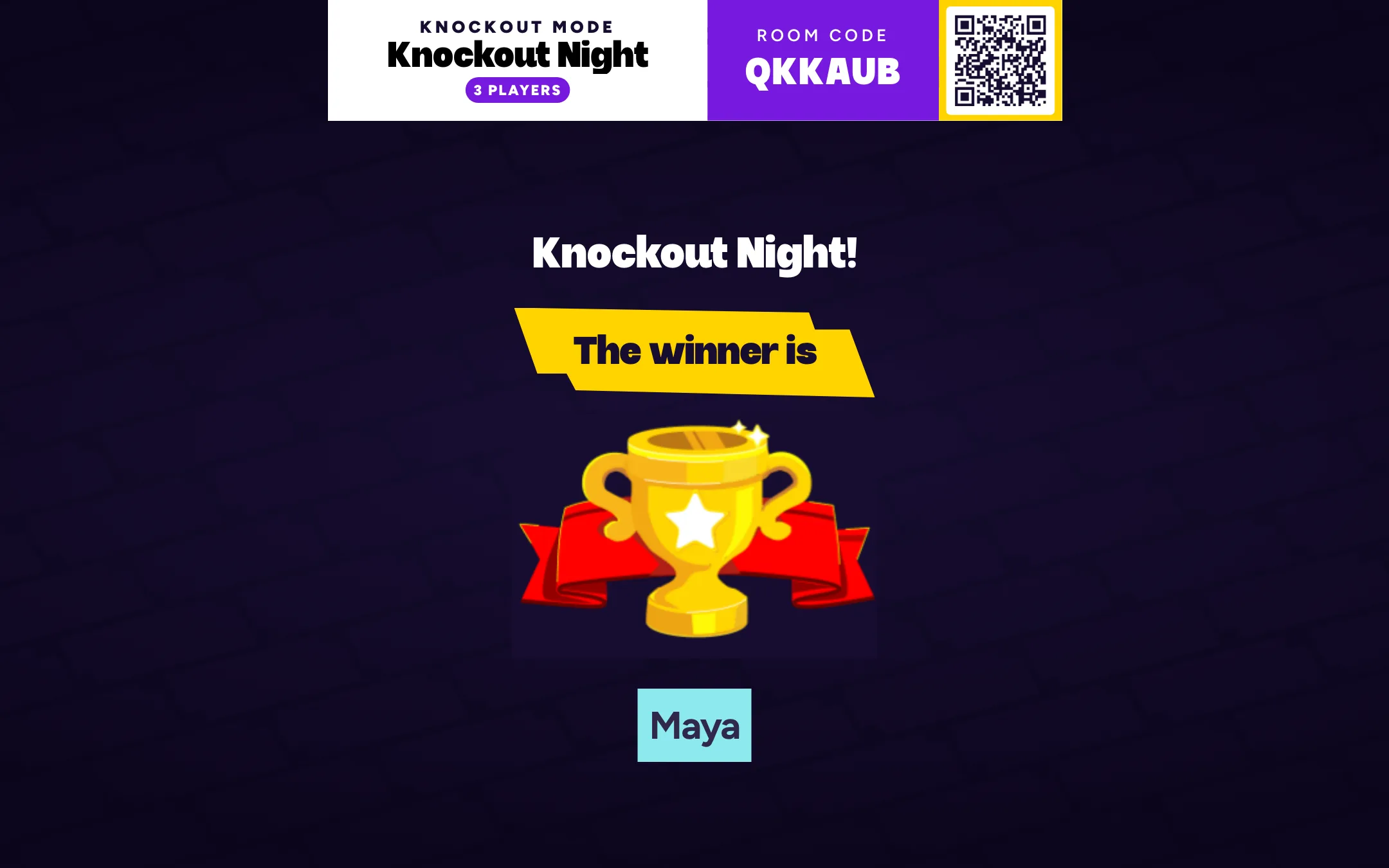
When two players are left, both answer one last question, and so does everyone who’s already been knocked out. The knocked-out players are the jury, and whichever finalist more of them agree with is the Champion.
If the jury splits down the middle, nobody wins it: the round is scrapped and Sudden Death runs again with a new question.
Getting knocked out early still matters. You’re on the jury, and the final is decided by what you and the rest of the room write.
In a room full of phones, “The gym,” “gym” and “going to the gym” all mean the same thing. They’re counted as one answer the moment answers close, so nobody loses a round to autocorrect.
Anything further out — a nickname, a shortened name, two answers that might mean the same thing — comes back as a suggestion instead, for the host to accept or wave away. Nothing is merged behind your back, and a real judgement call can go to the room.
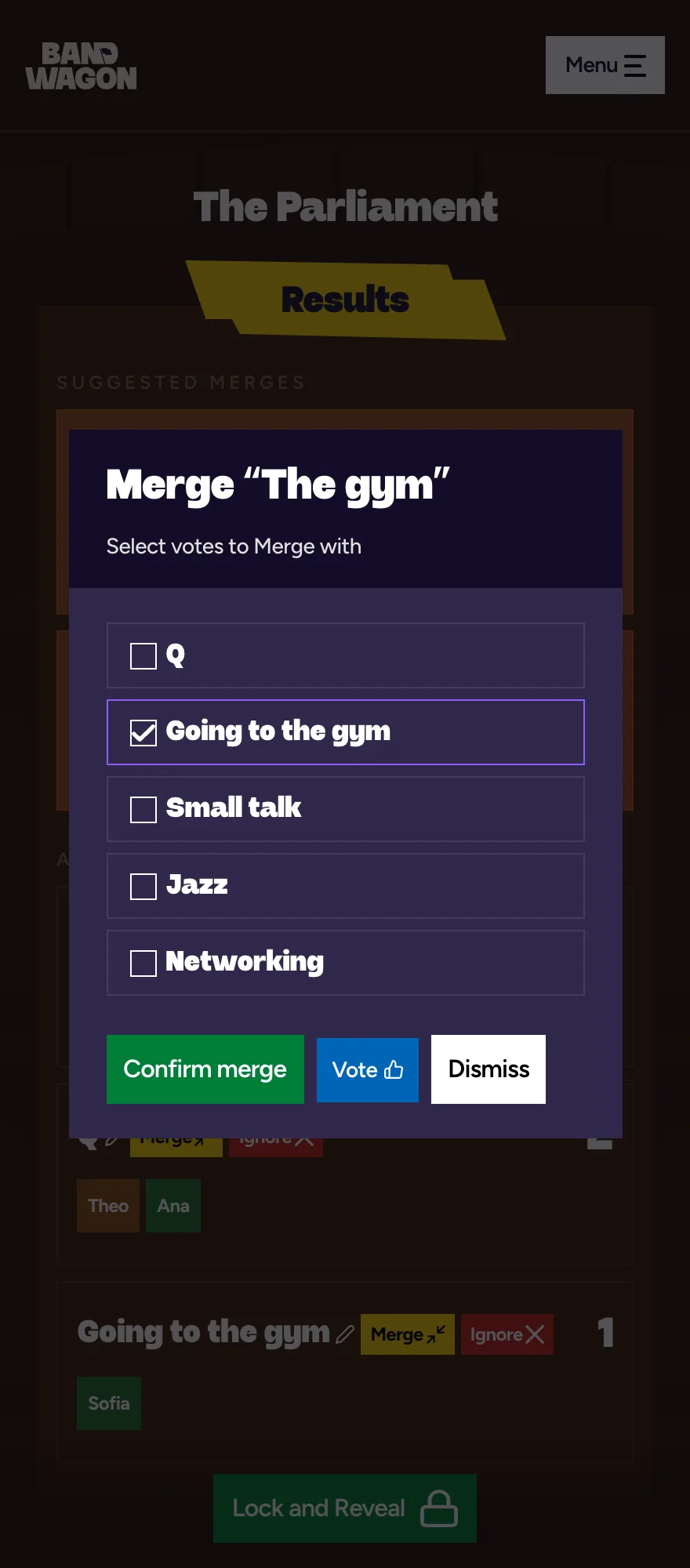
You get the last word. Accept or dismiss each suggestion, rename a group, or merge two yourself. The big screen only shows the pairs in question, never the full list, so you’re not spoiling your own reveal.
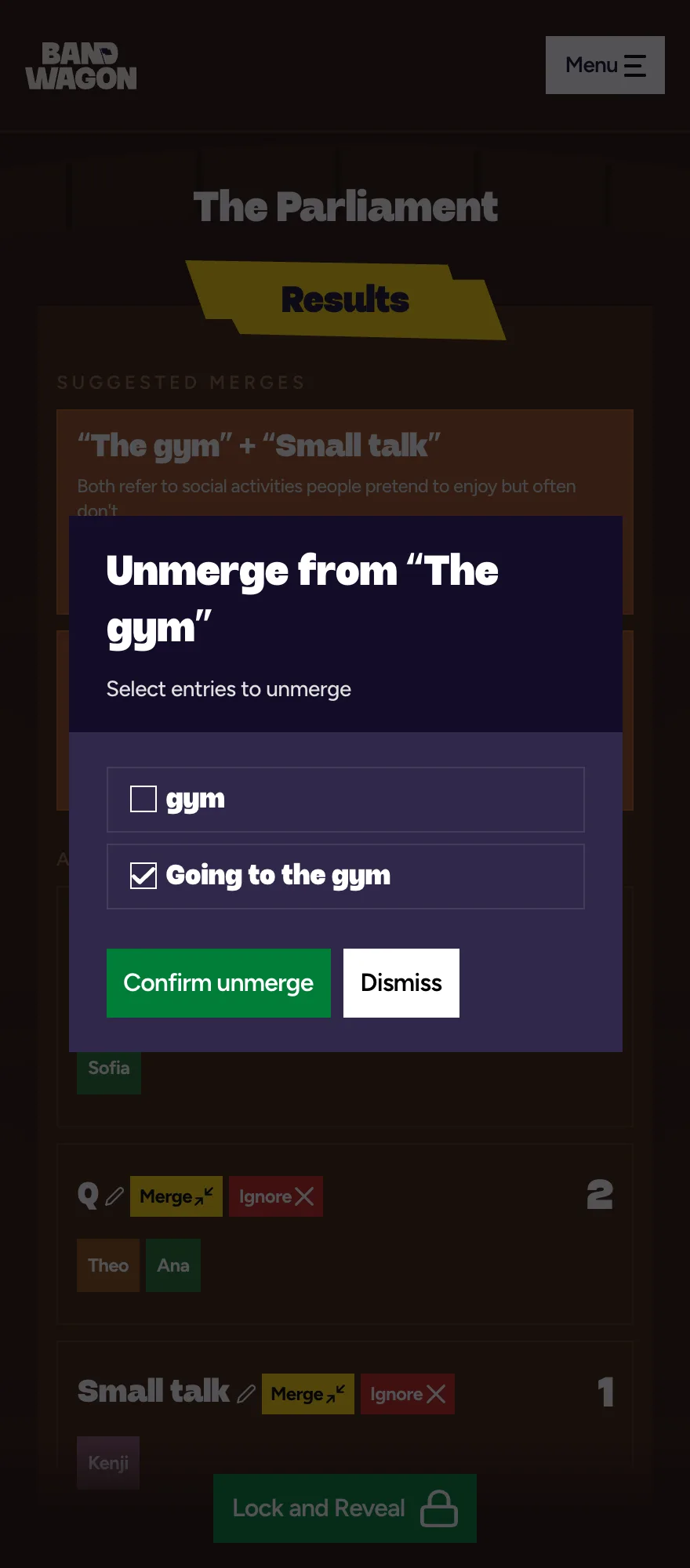
You’ll see your answer’s group at the reveal, with the other spellings that got counted with it. If you think something was grouped wrongly, say so: your host can split it back out.
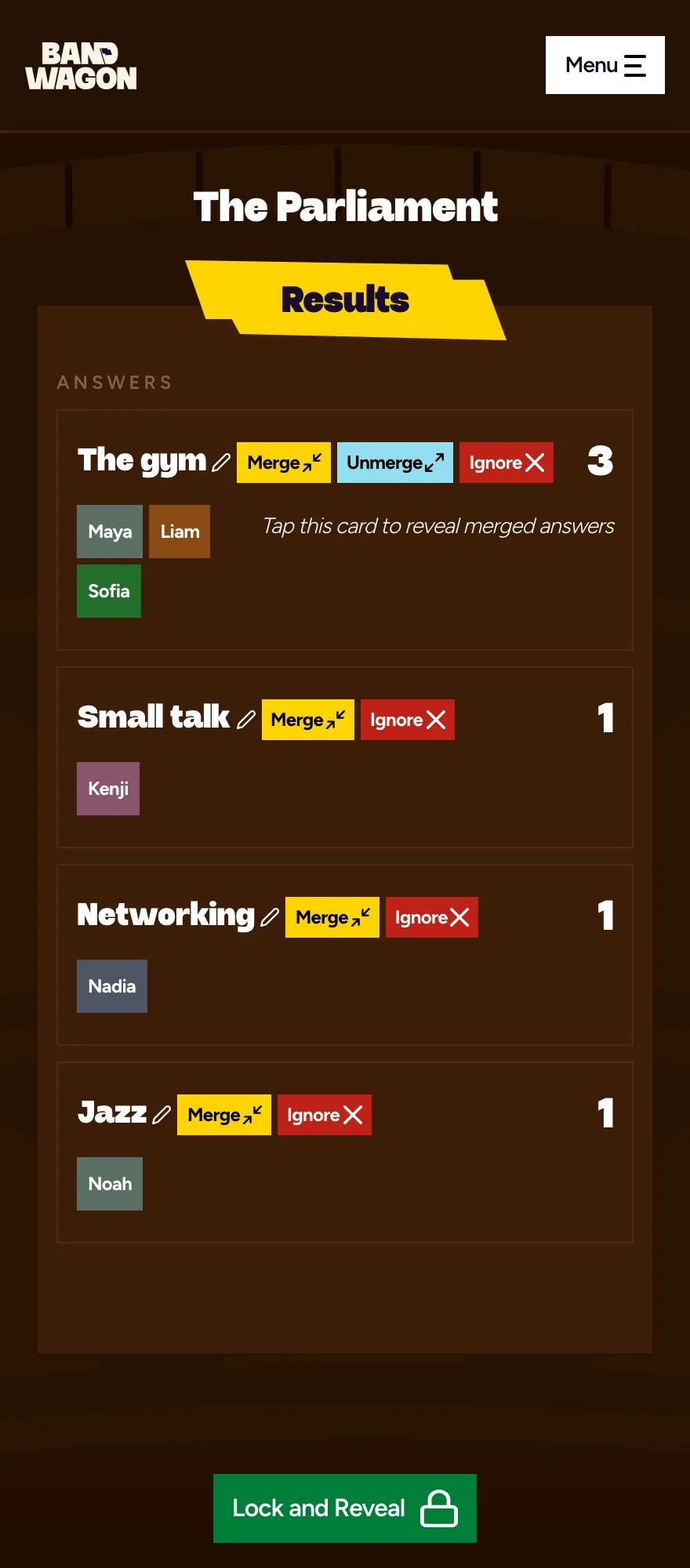
Six people can mean one thing and write it six ways. “The gym,” “gym,” “going to the gym” are one answer in three spellings, and those are matched for you automatically.
The judgement calls are the problem. Is “small talk” the same answer as “networking”? Is a hot dog a sandwich? Somebody has to decide, and if it’s the host, the room will say the host fixed it.
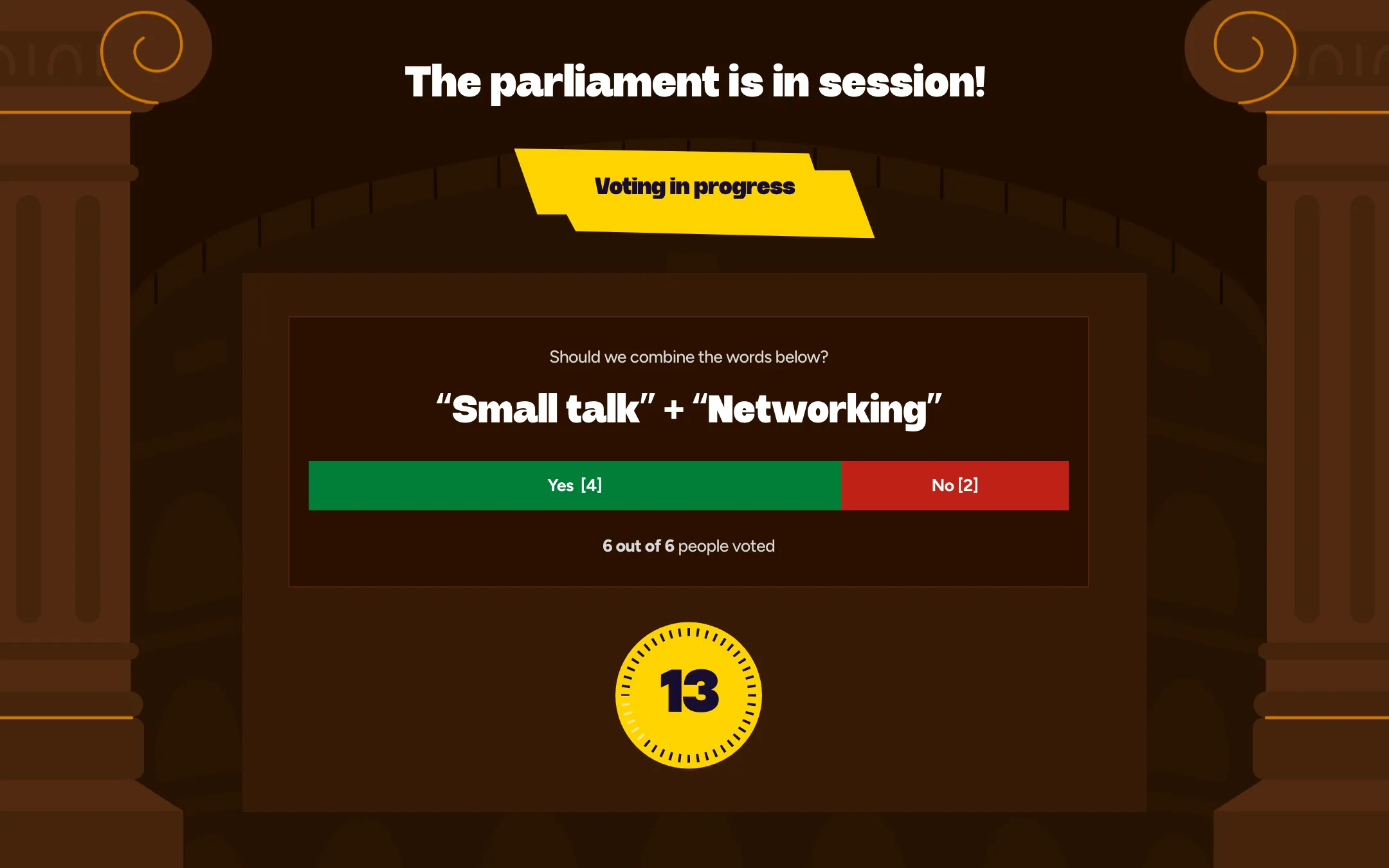
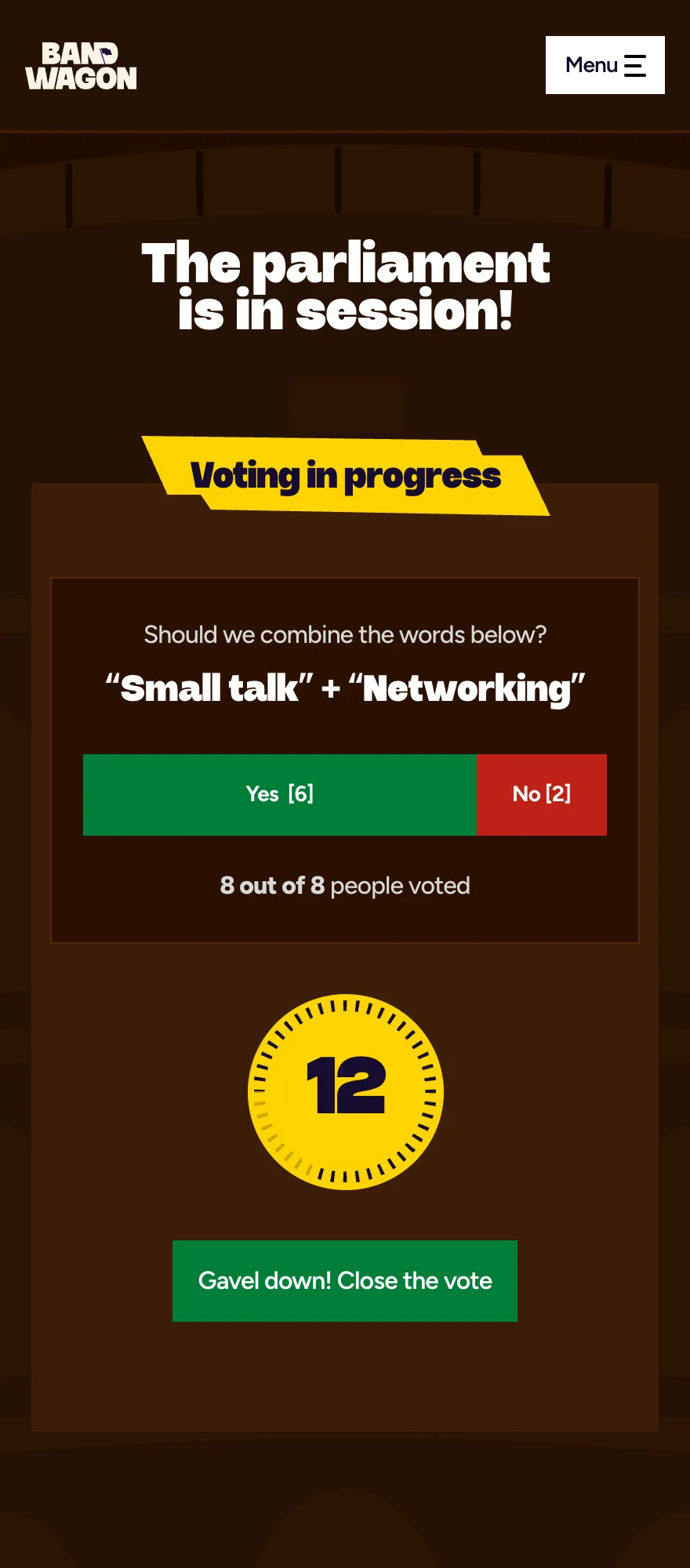
That’s what the Parliament is for. When two answers might be the same and the room can’t shrug it off, the host hands the decision to everybody. The room votes, and the room’s answer is the one that counts.
“The parliament votes in 3, 2, 1” appears on every screen at once, so nobody misses the start.
Everyone taps merge or keep separate on their own phone.
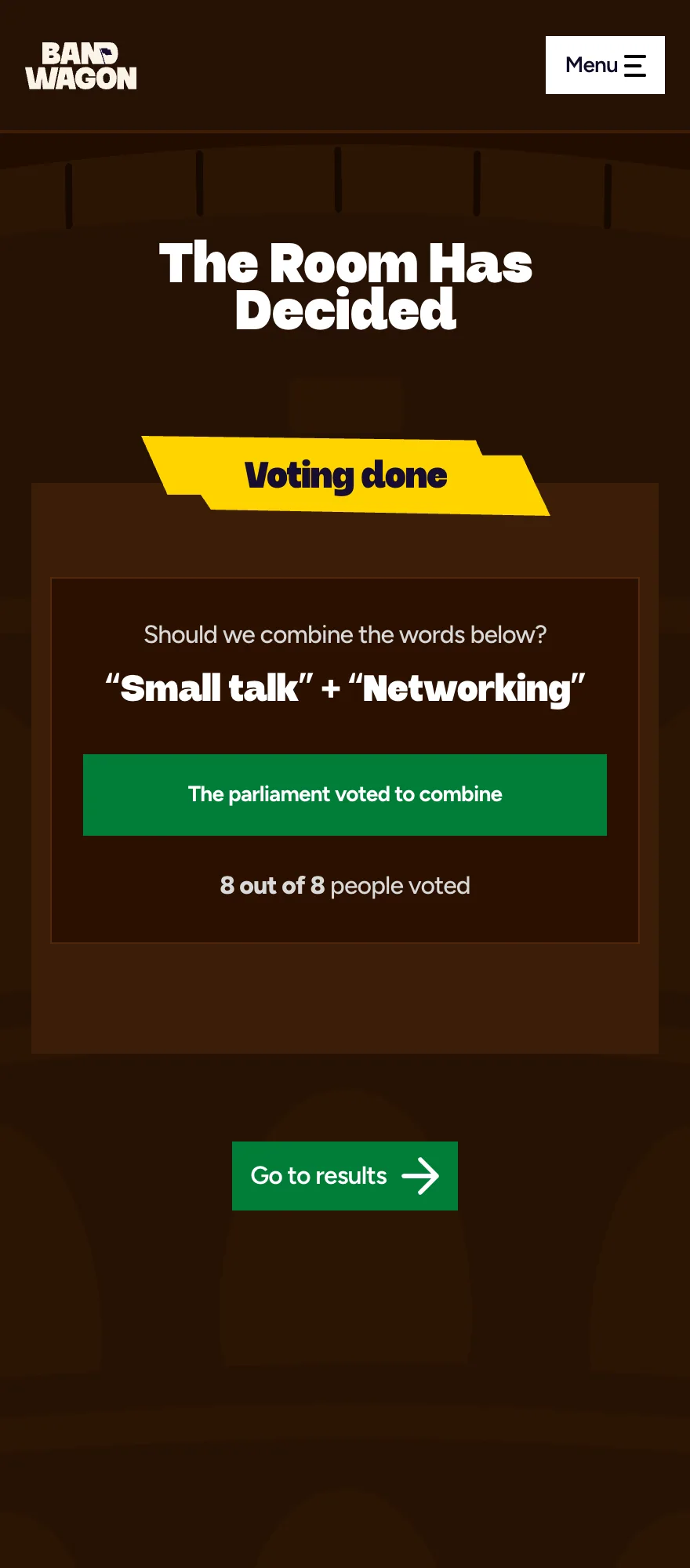
More merge votes than keep-separate votes, and the answers merge. A tie leaves them separate. The result is final.
You decide when to call a vote, but you can’t overturn one. That’s the point: the room can’t accuse you of rigging it. Switch the Parliament off at setup if you’d rather keep every decision yourself.
You make these choices once, before anyone joins. After that you’re just asking questions.
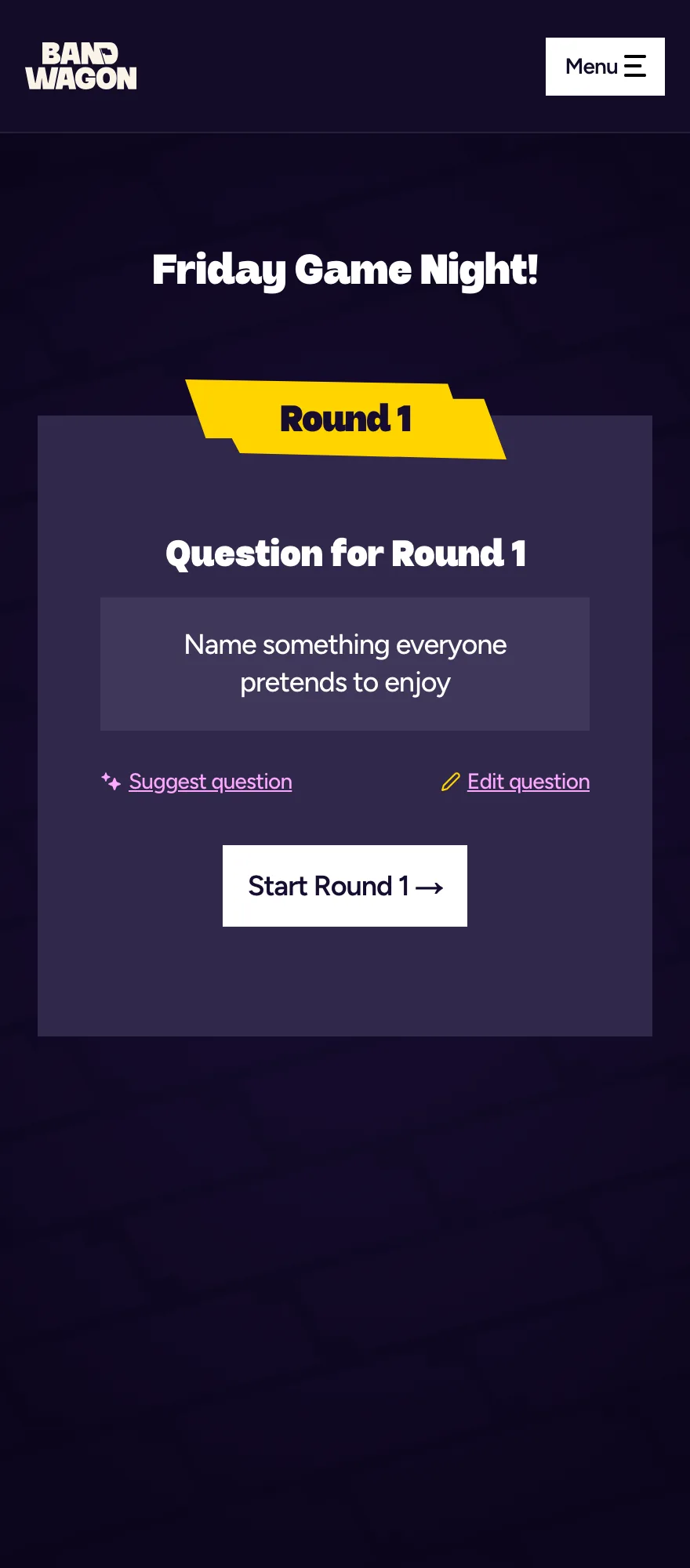
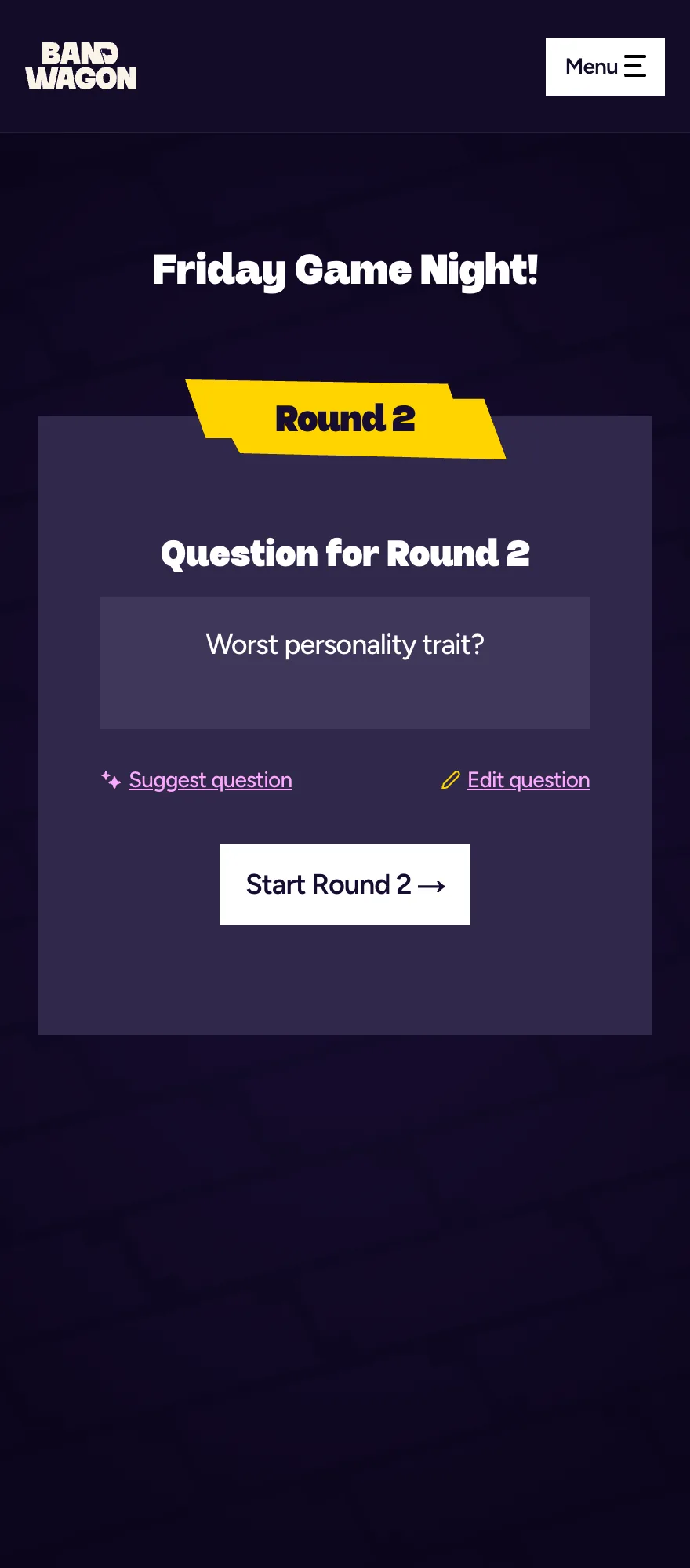
There’s no answer key, so anything people have an opinion on works. Type your own, or tap Suggest question to pull one from the built-in pack — it skips anything your room has already played. Edit question lets you reword it before you start.
Nothing goes out until you tap Start Round, so you can sit on a question while the room settles.
It sets the questions your room draws from and the tone they’re pitched at.
| Social | House parties, game nights, community events — any crowd. |
|---|---|
| Faith & Fun | Youth groups, fellowships, retreats and family events. |
| Corporate | Offsites, onboarding, team socials and icebreakers. |
New to hosting? The step-by-step host walkthrough shows every button on the Host Console, in the order you’ll use them.
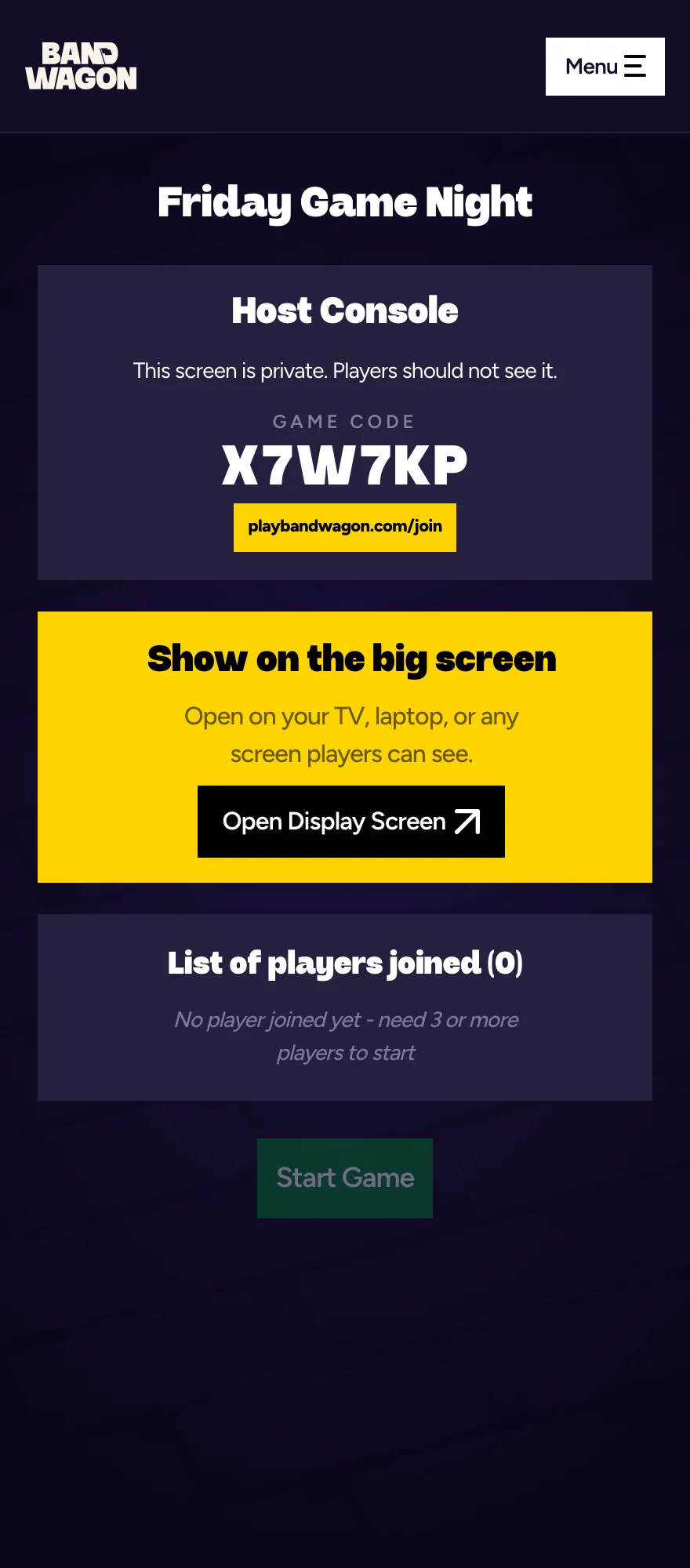
There are two screens in a Bandwagon game and they do opposite jobs. The Host Console is yours alone, on your phone. The display screen belongs to the room, and it has no controls on it at all.
Starting a round, closing answers, checking the answer groups, calling a vote, revealing, ending the game — every one of those happens on your phone. The display screen has no controls on it at all, and players can’t drive the game from theirs. So if you walk away mid-game, the game waits for you.
And keep that screen private. It shows answers as they land — the app itself says “This screen is private. Players should not see it.” Don’t cast it, don’t mirror it, don’t hand your phone round. The screen for the room is the display, opened from Display a game with your room code.
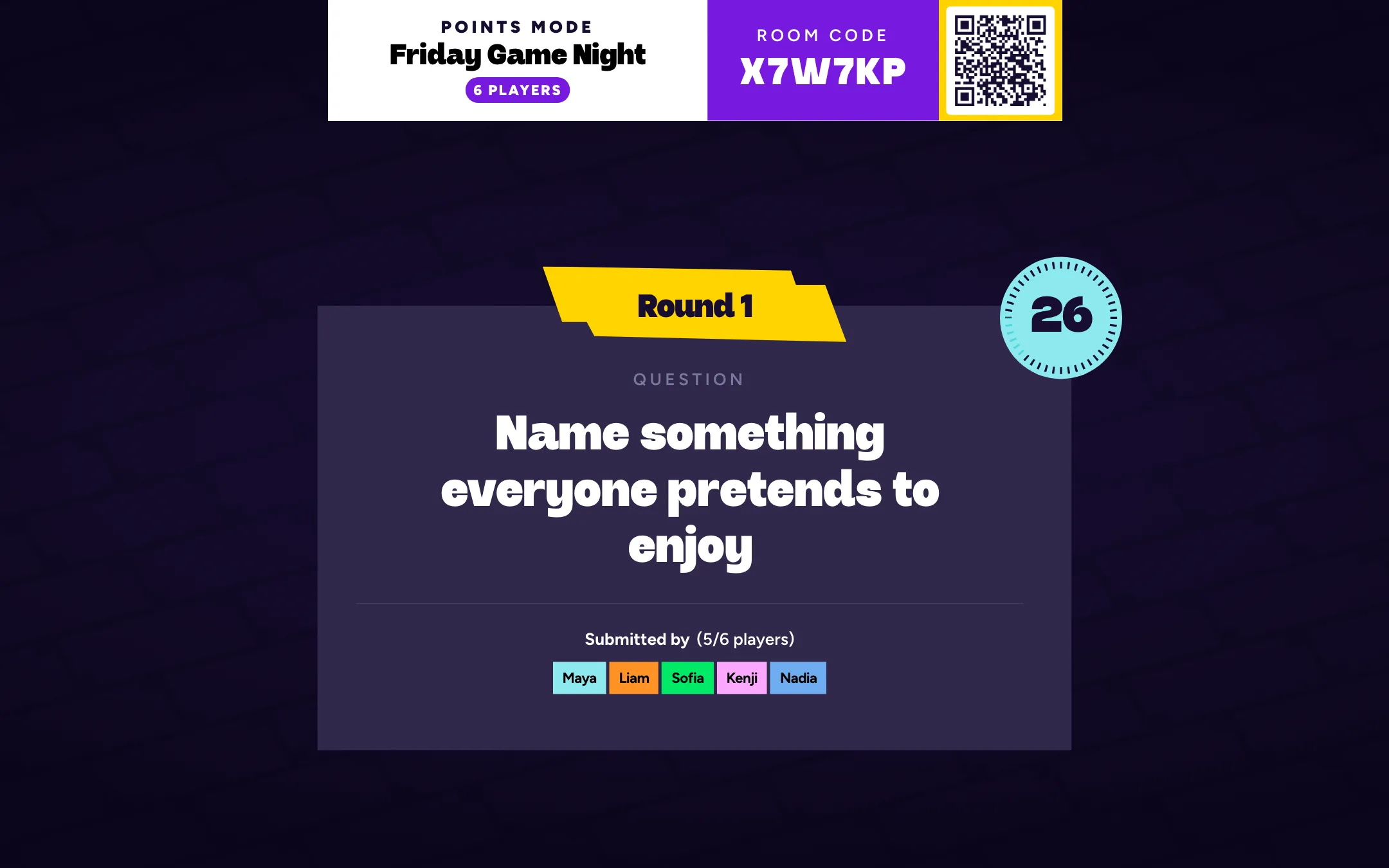
Everyone already has the question, the timer and the results on their own phone, so a game works around a table with nothing but phones. The display is what turns it into a show, and it’s worth having when the room is big enough that people at the back lose track.
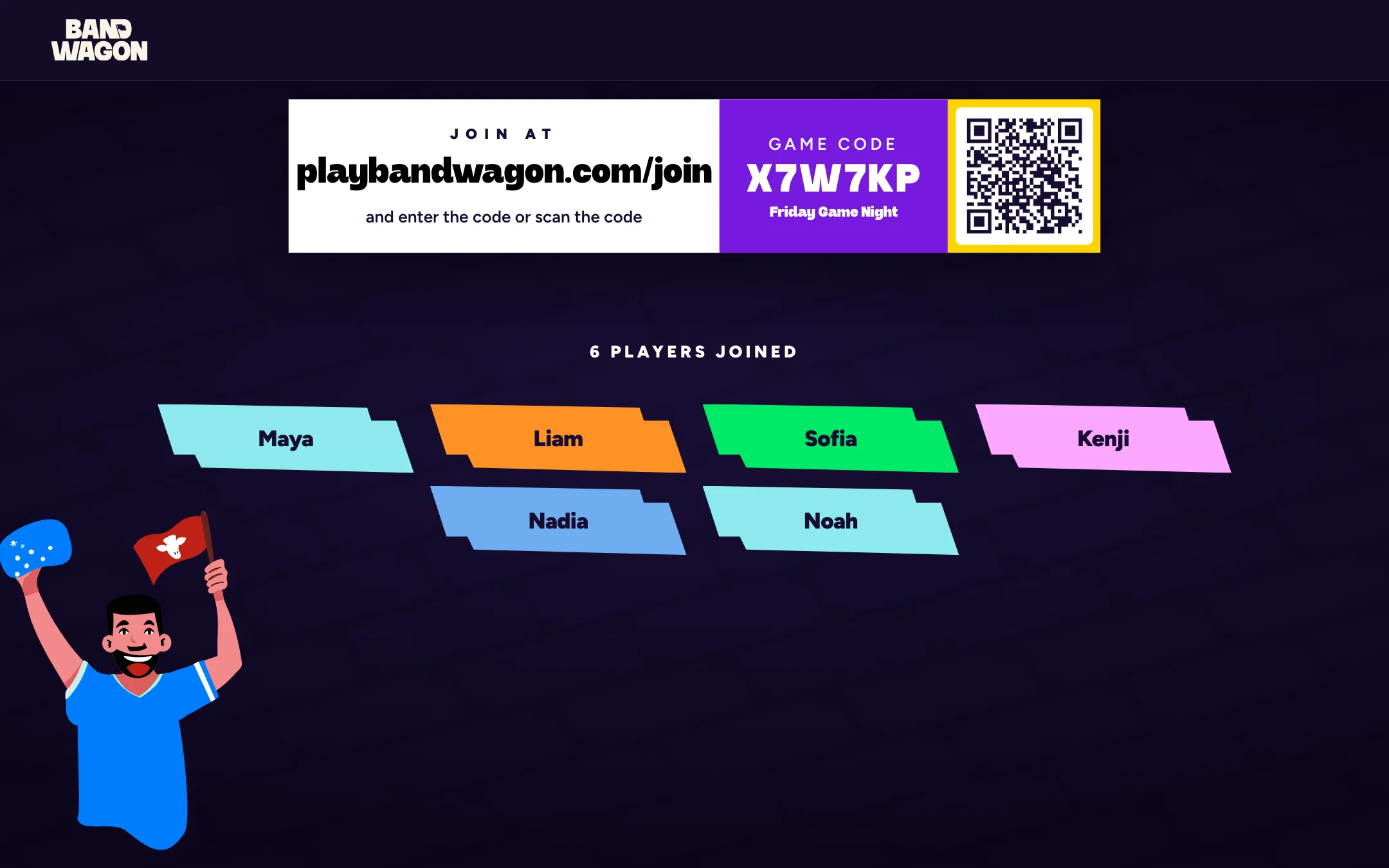
The display shows a QR code and a six-character code. People scan or type it, pick a name, and they’re in your lobby. No accounts, no app, nothing to install. Up to 50 of them.
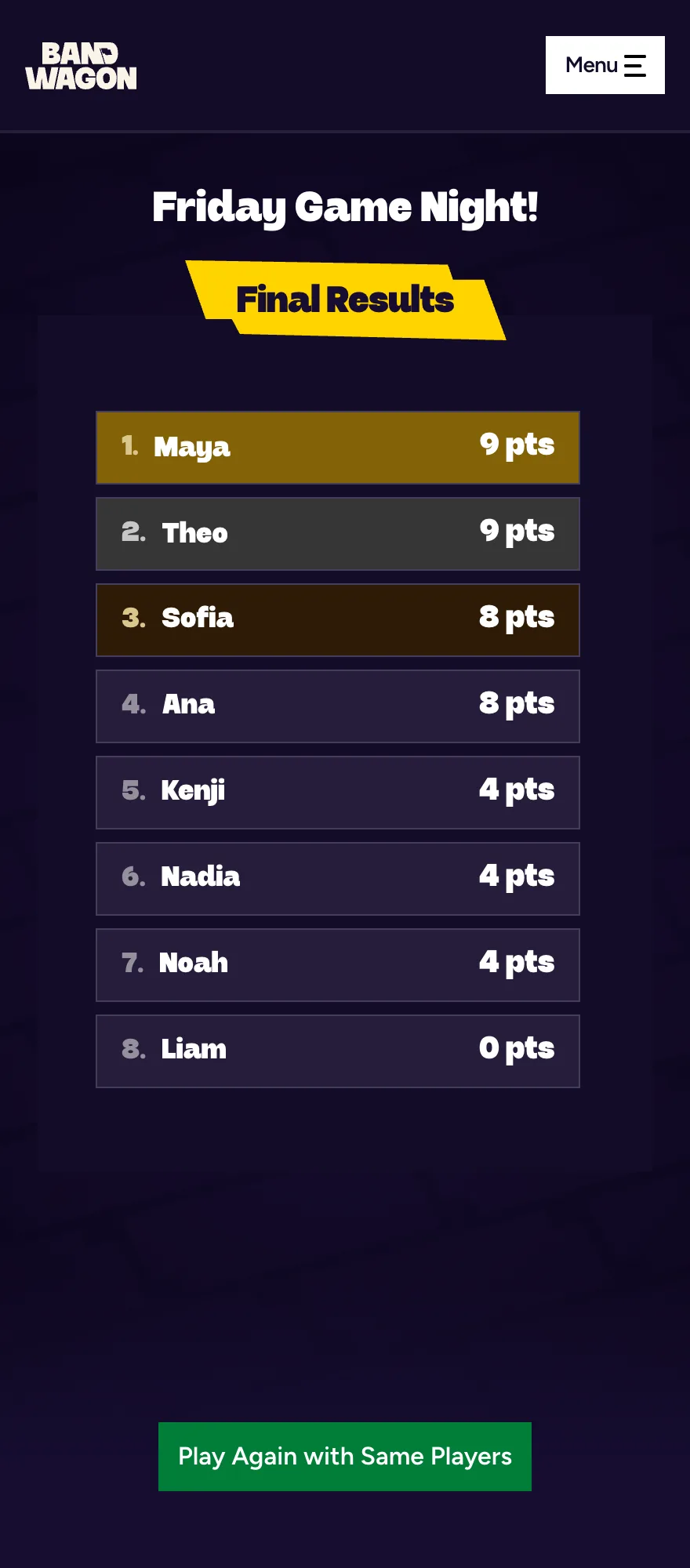
Points games finish on a podium, Knockout crowns a champion, and everyone can save a result card to share from their own phone.
Step 1 of 8
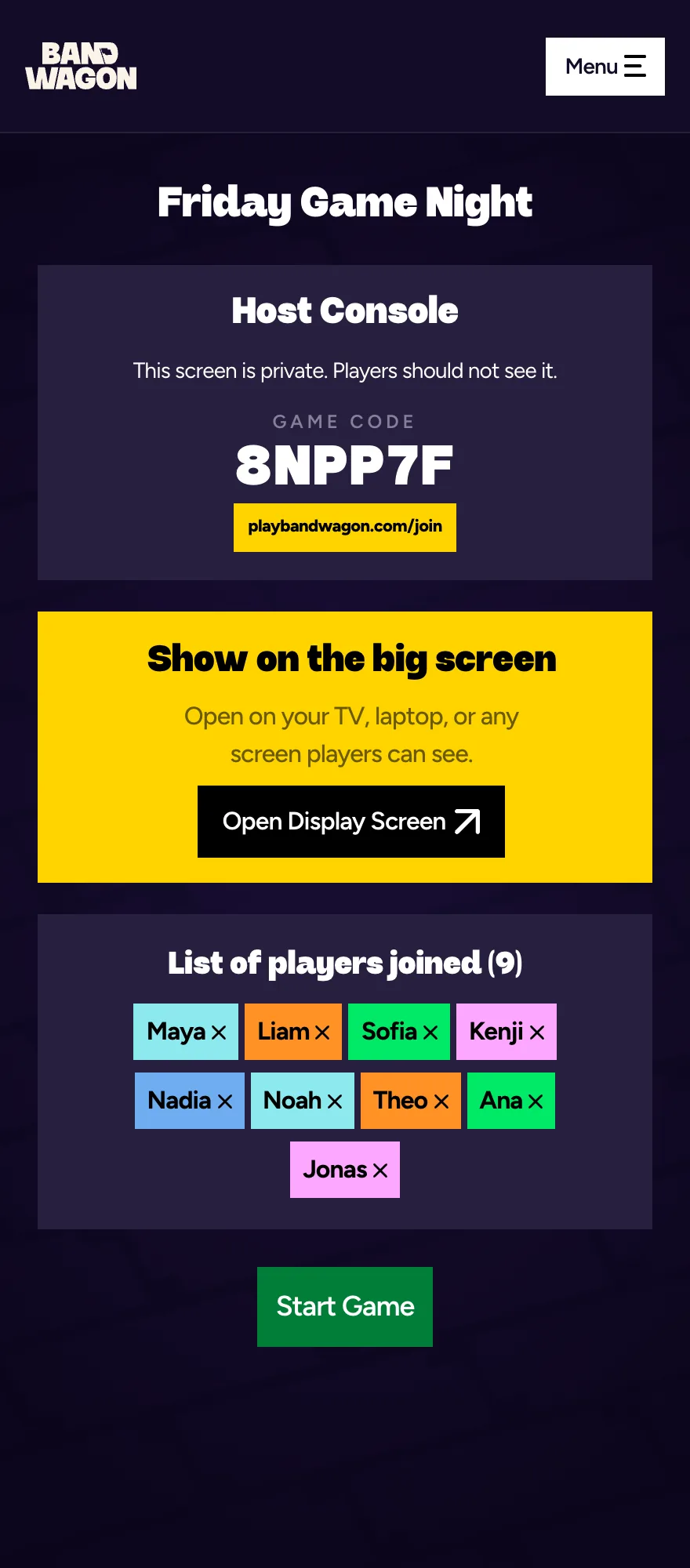
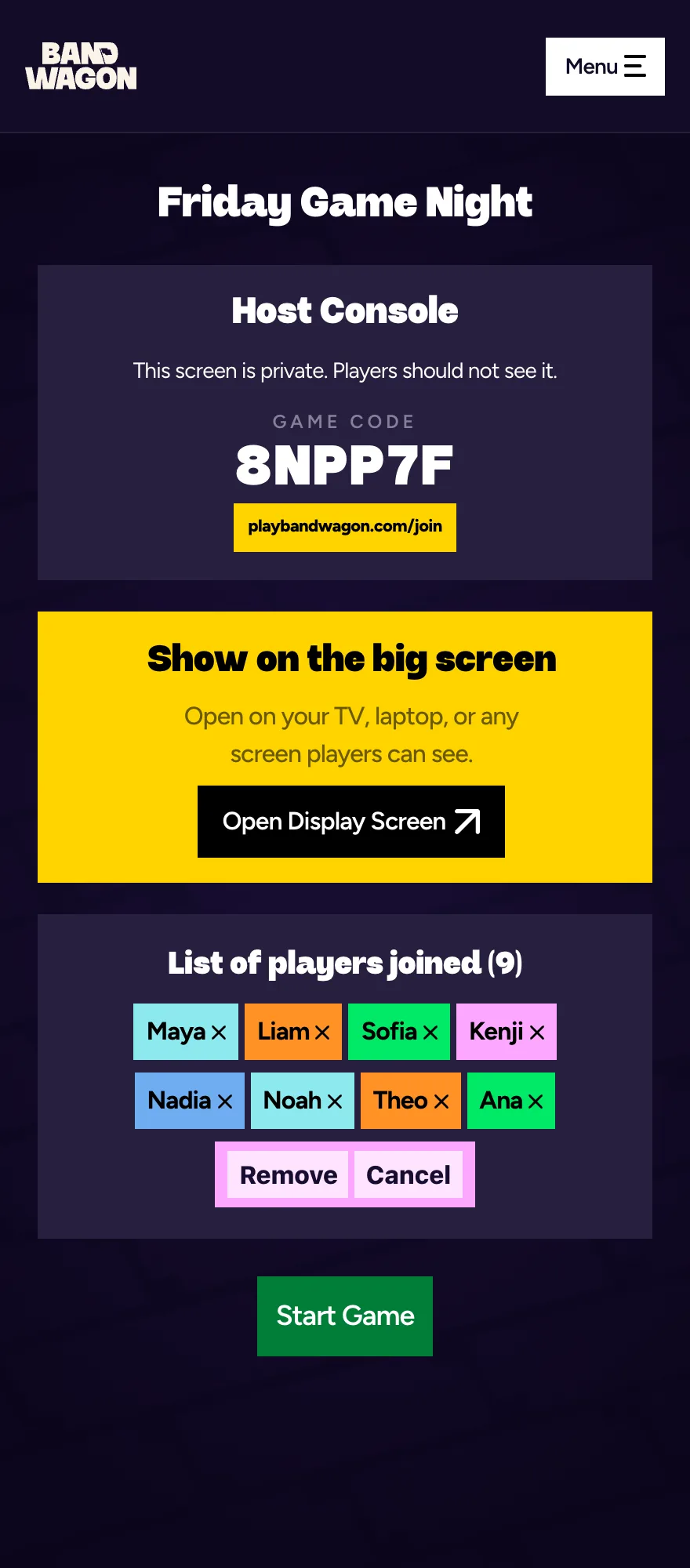
Once you create the room, your phone becomes the Host Console. It stays your control panel for the whole game. This first screen is where people arrive.
Step 2 of 8
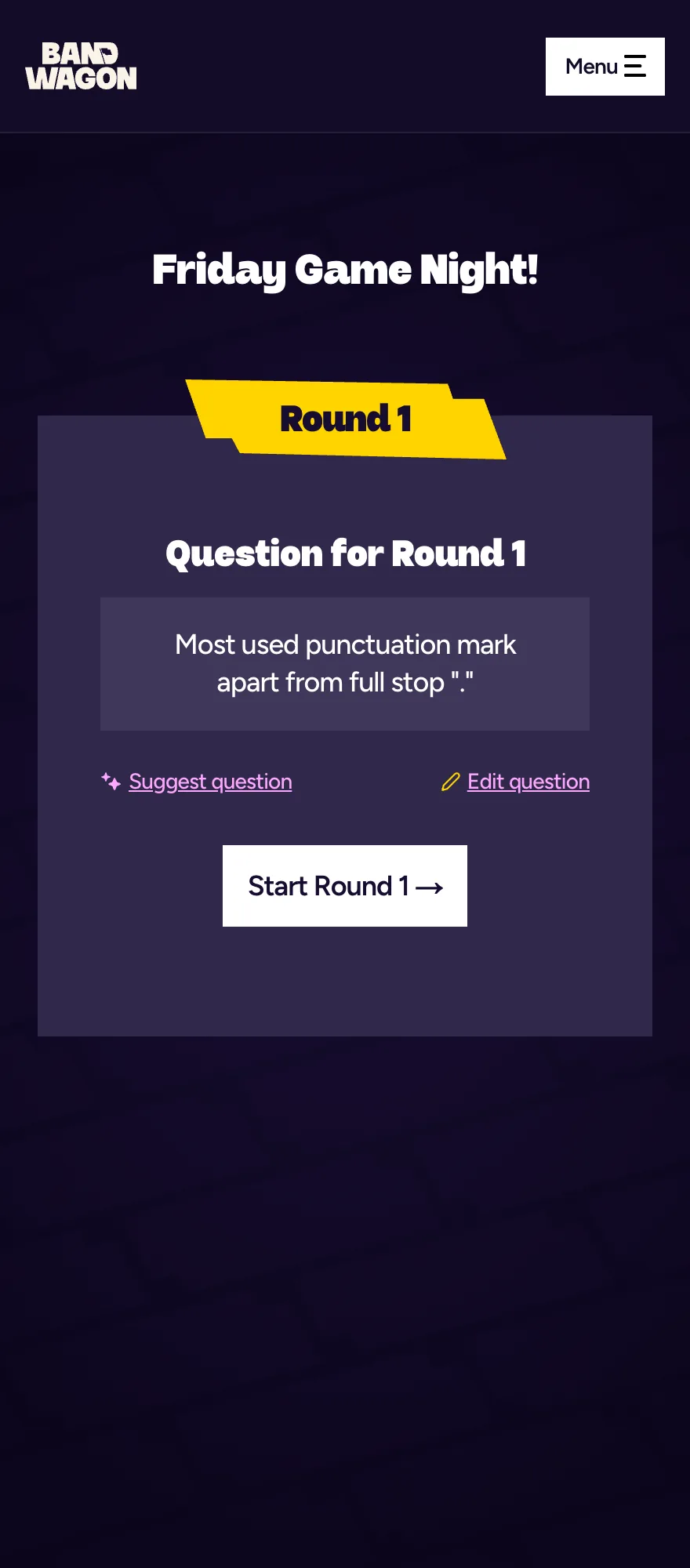
Every round starts here. A question from the built-in pack is already filled in when this screen opens, so you can send it as it is, swap it, or write your own.
Step 3 of 8
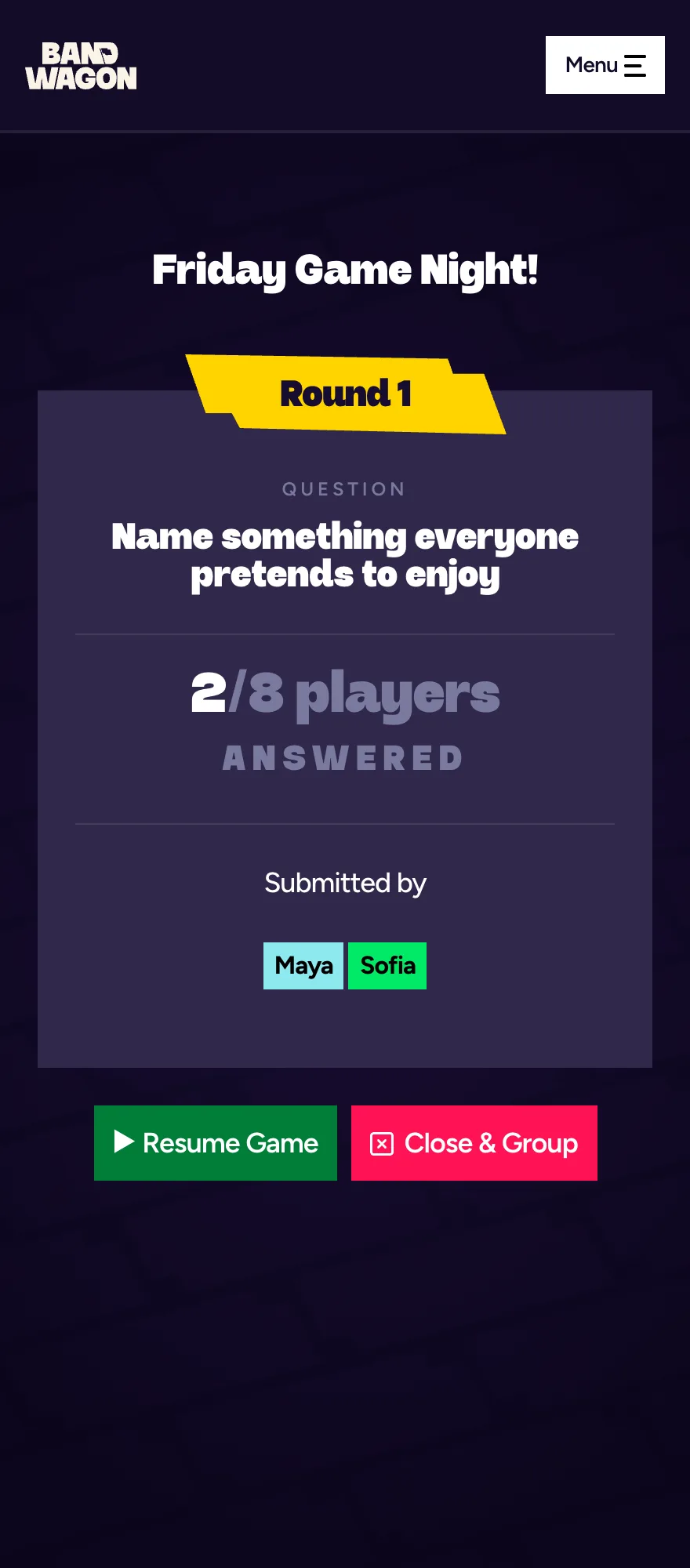
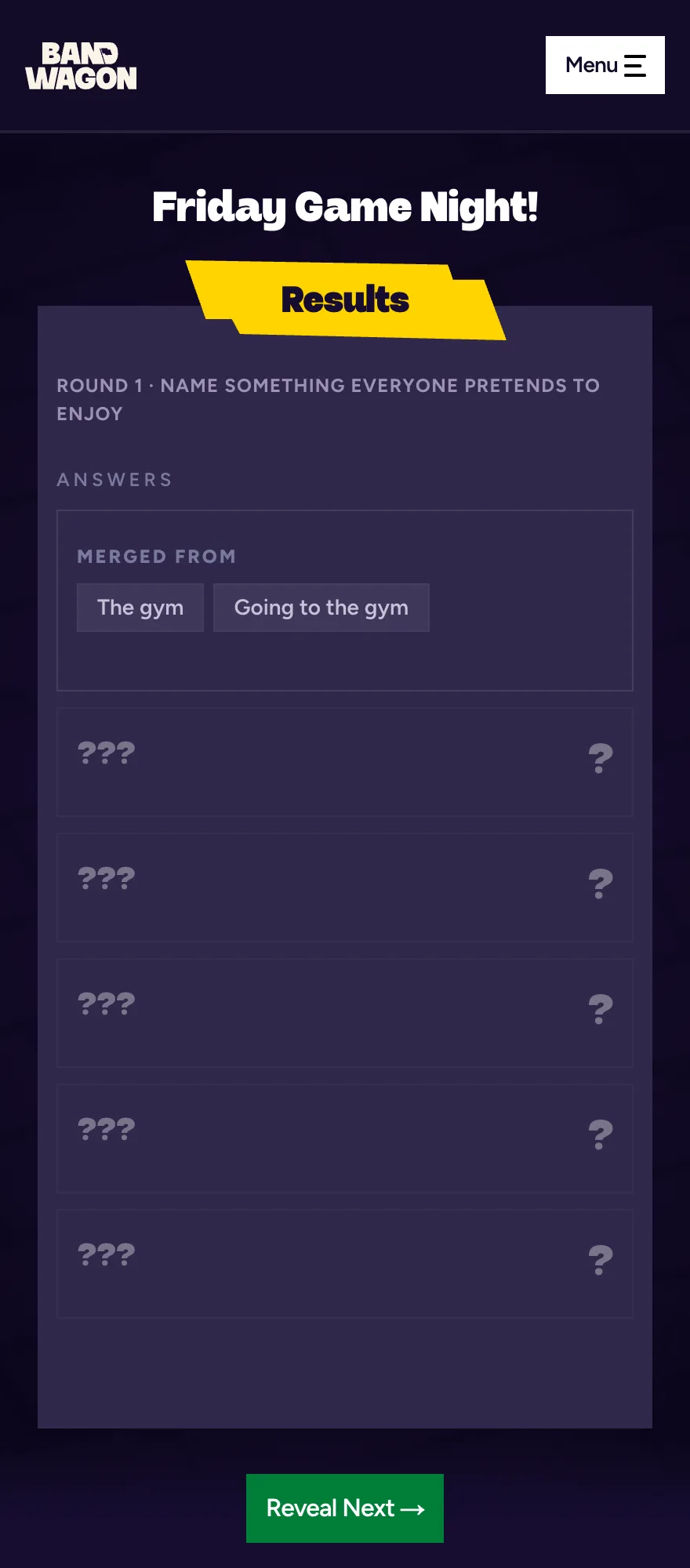
You see who has answered, live, but not what they wrote. The answers stay hidden from everyone, including you, until the round closes.
Step 4 of 8
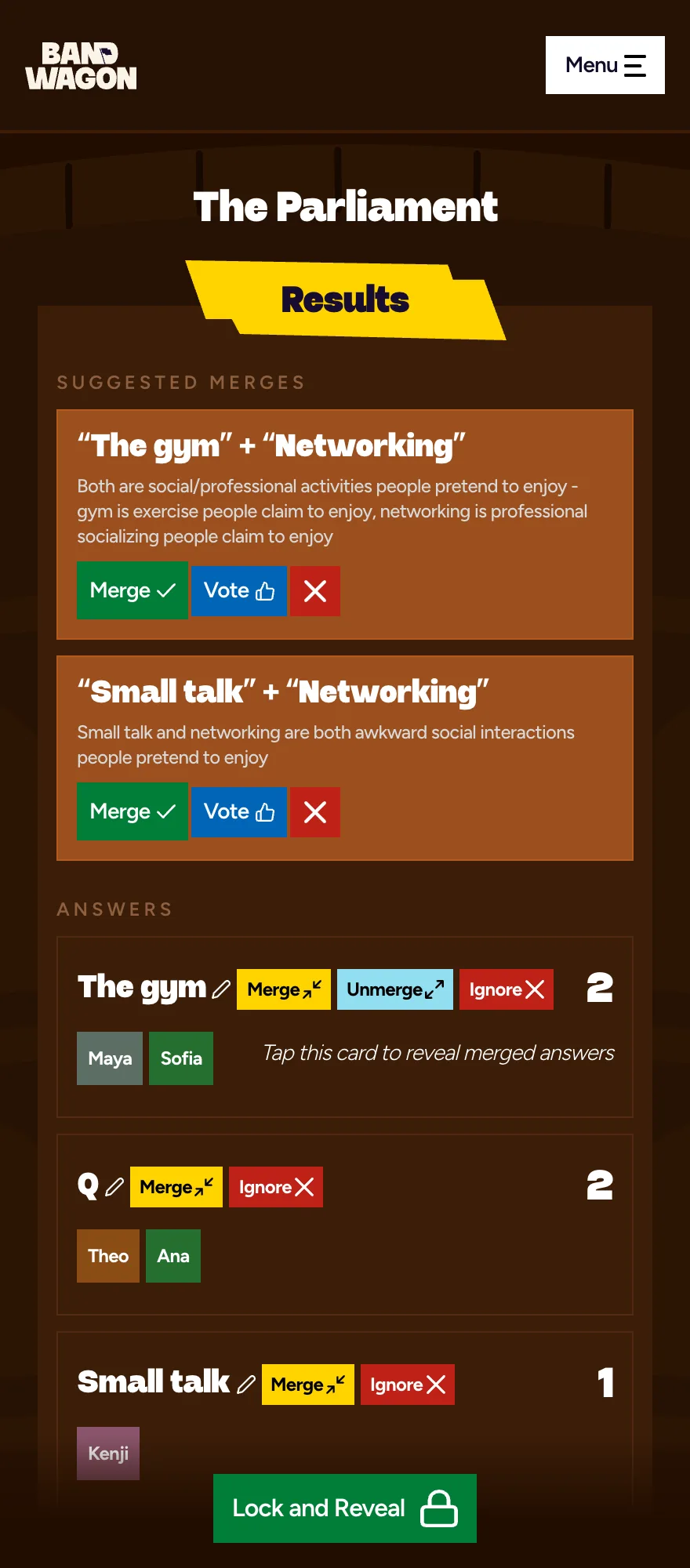
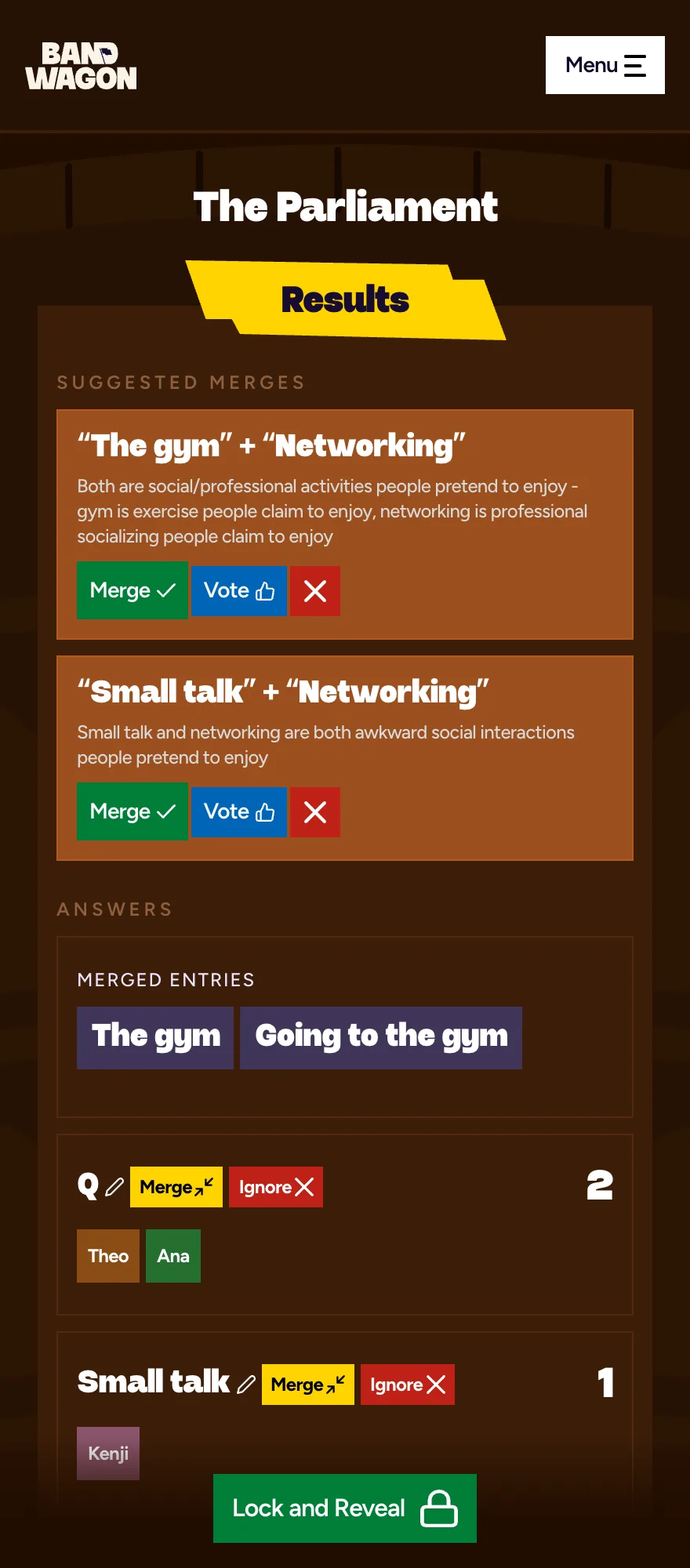
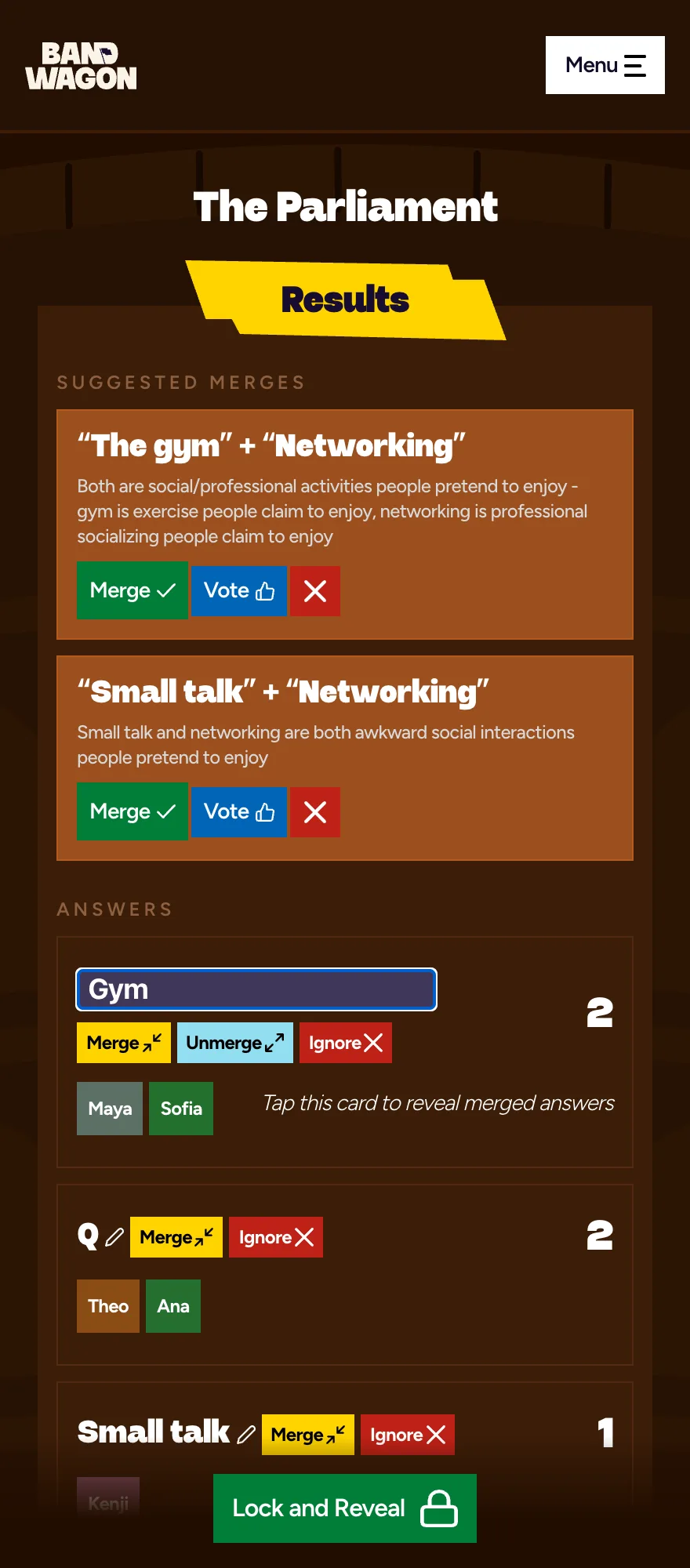
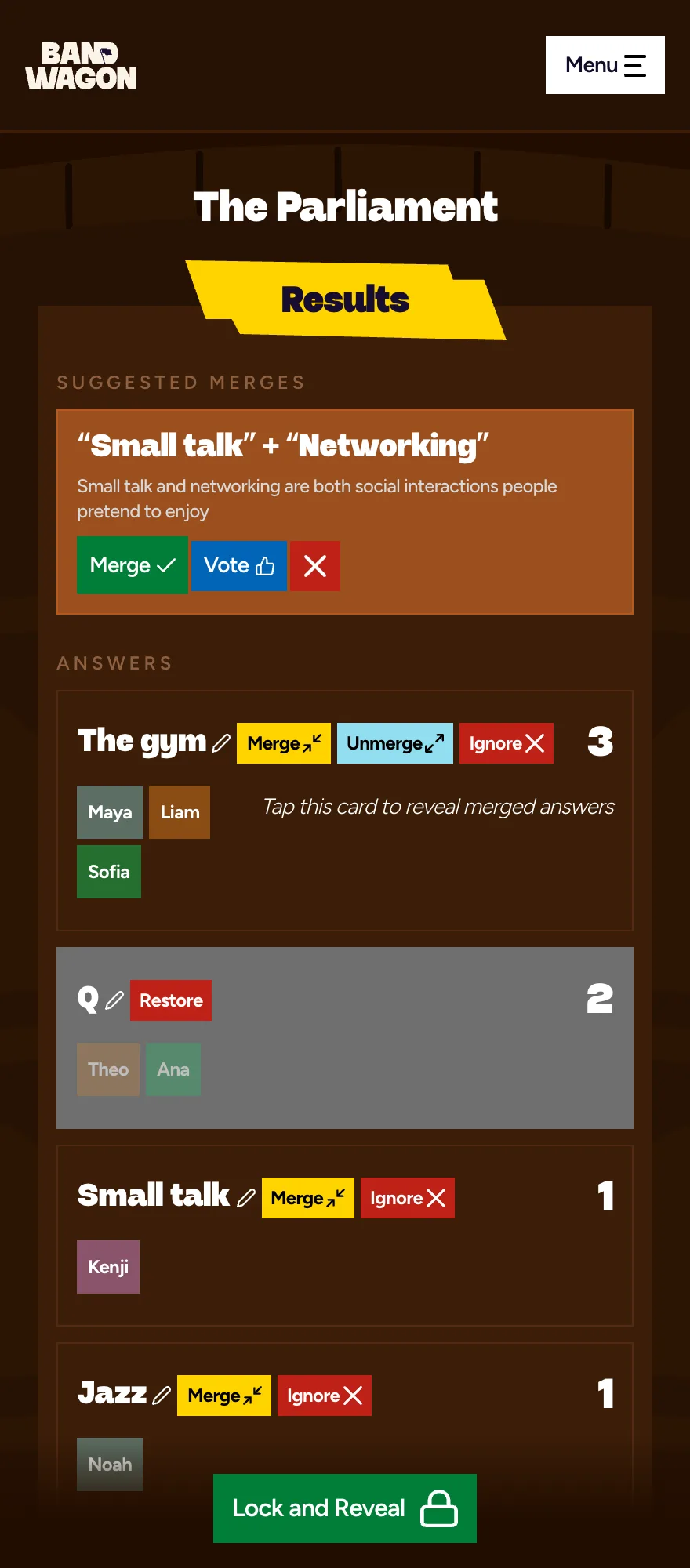
Before anyone sees a result, you get a moment to check how the answers were grouped. Each card is one answer group: its name, who’s in it, and how many people (the big number on the right). The room sees none of this yet.
Step 5 of 8
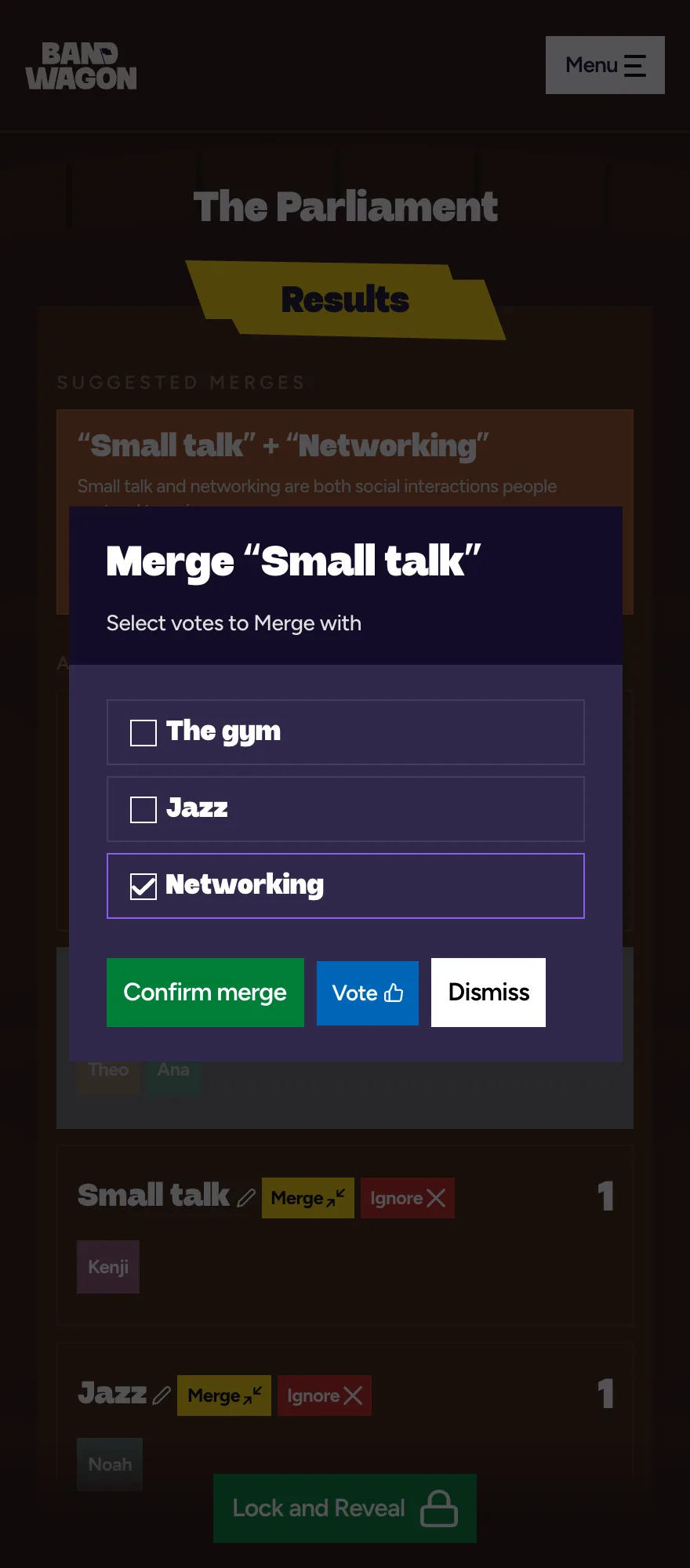
Is “small talk” the same answer as “networking”? Instead of deciding it yourself, put it to the room. It only appears if Summon the Parliament was on when you set up the room.
Step 6 of 8
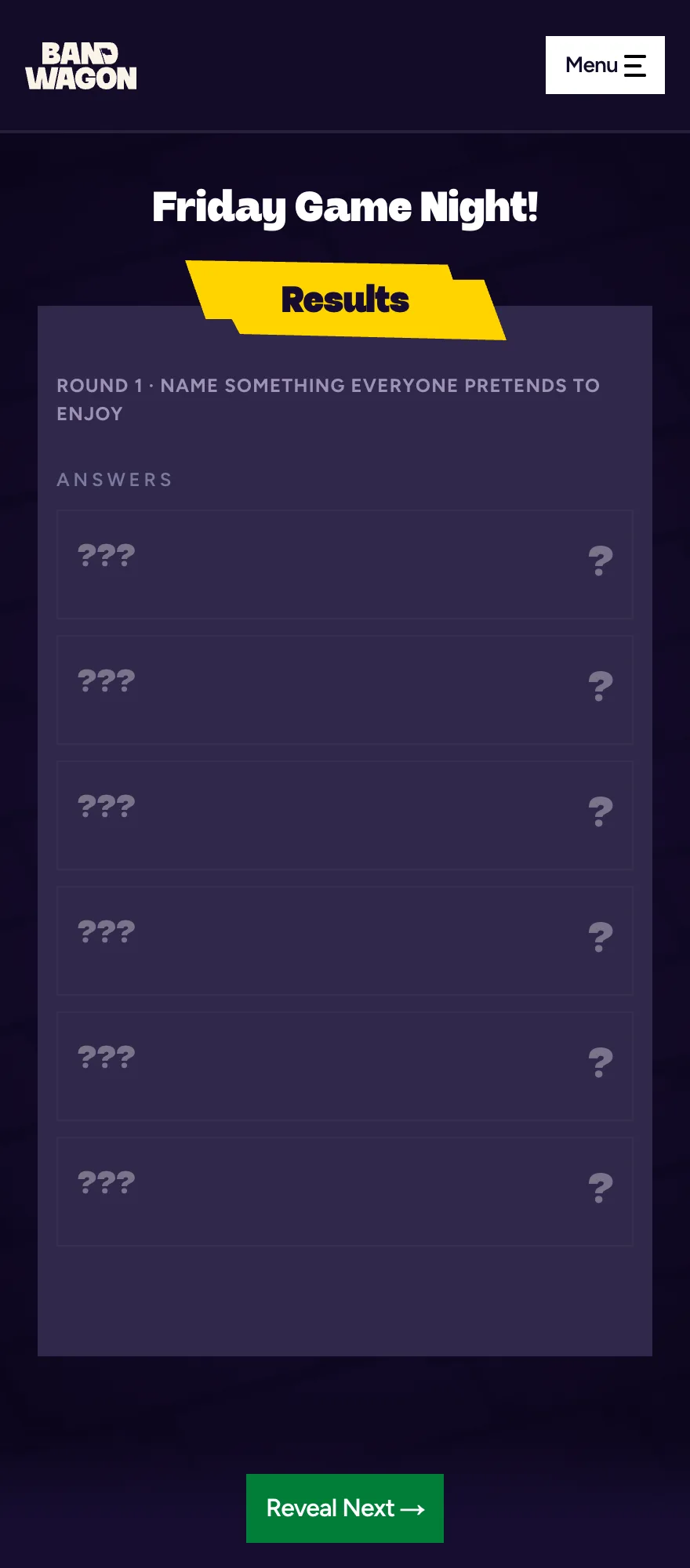
When the groups look right, lock them in. This is the moment the round gets scored, so check one last time before you tap.
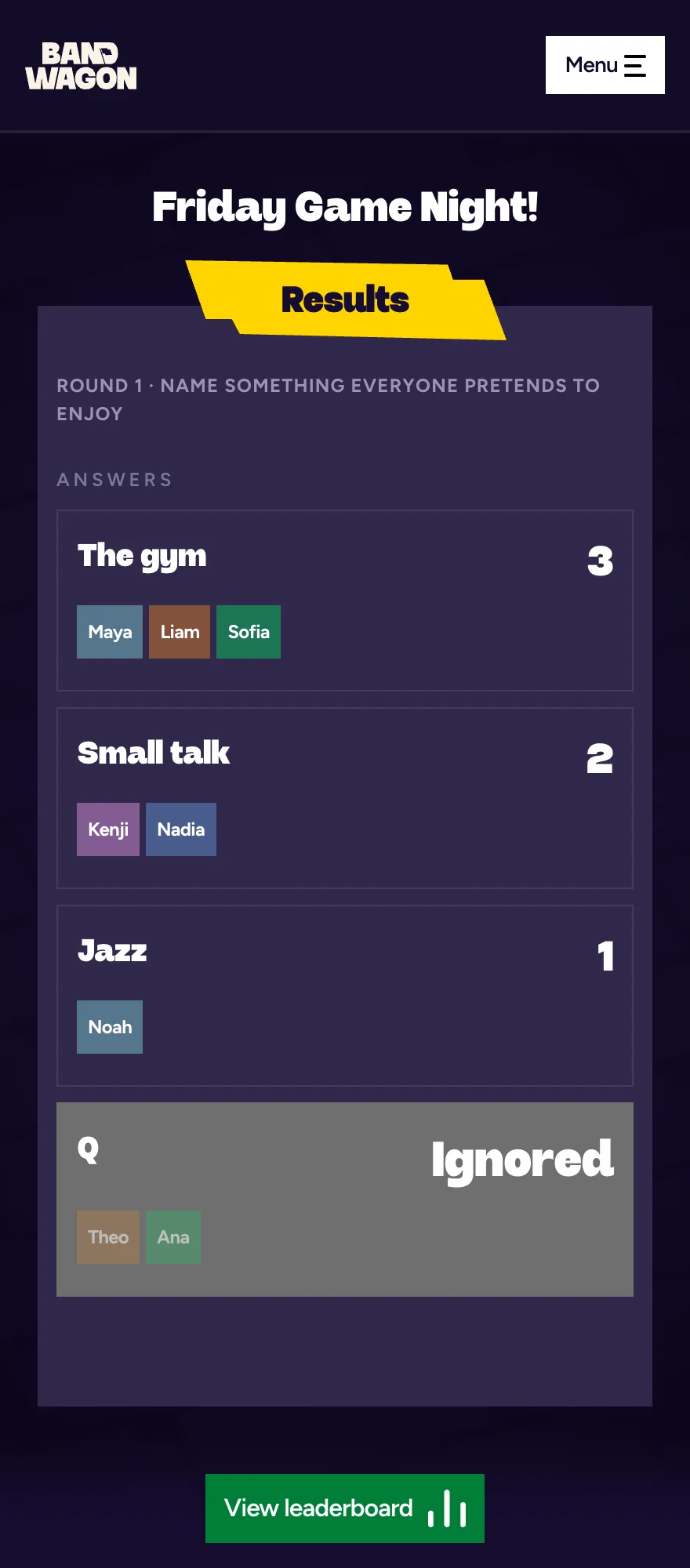
Step 7 of 8
After the leaderboard, you’re straight back at the question composer for the next round. Steps 2 to 6 repeat, as many rounds as you set.
Step 8 of 8
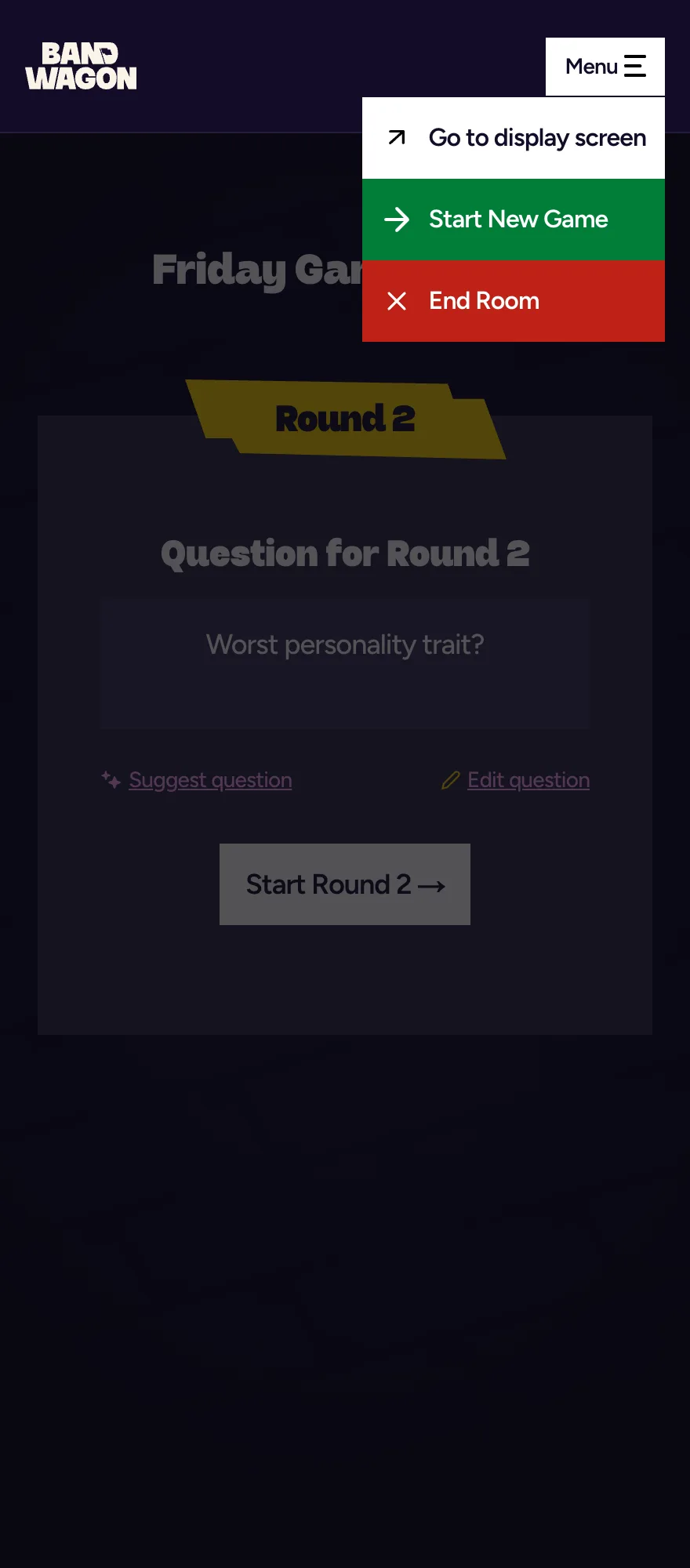
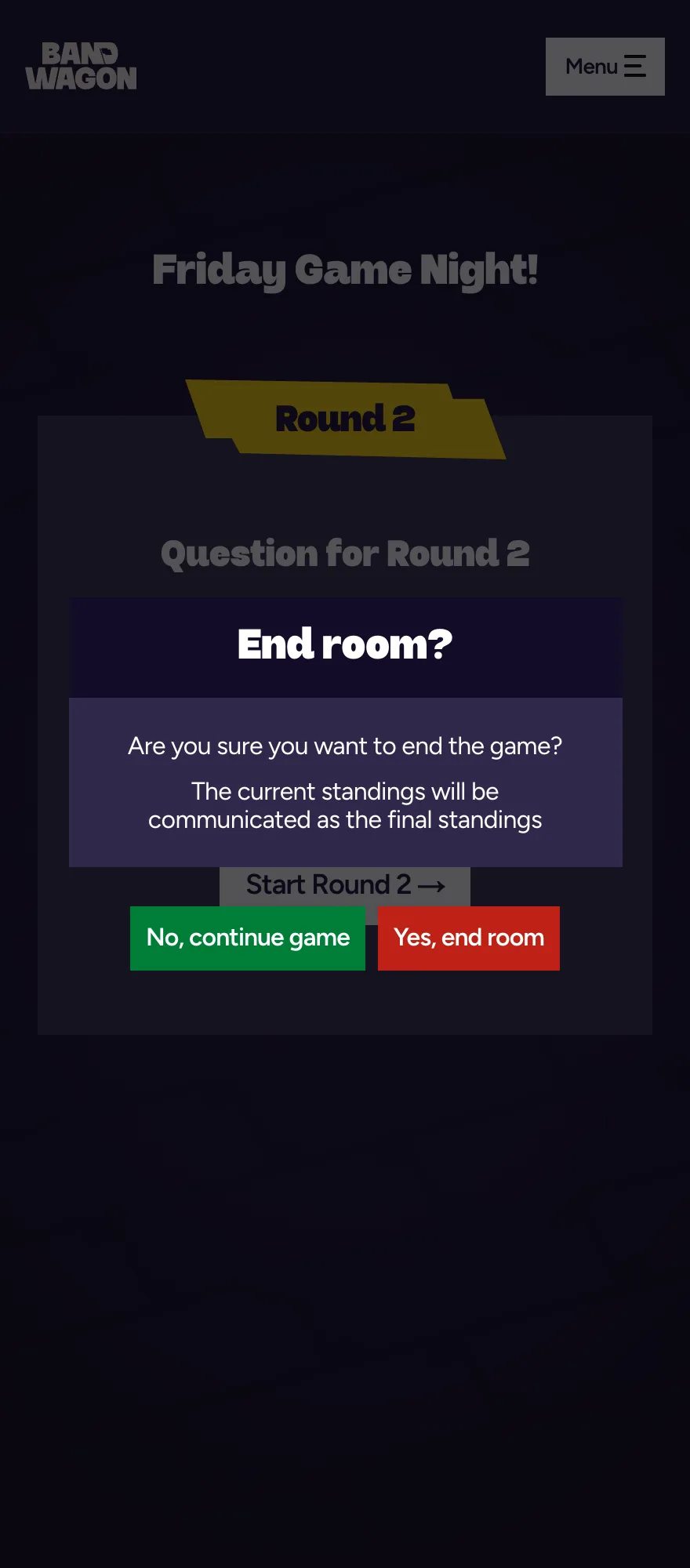
The Menu in the top-right corner is on every screen, so you can wrap up at any point, not just after the last round.
Point your camera at the QR code on the screen, or go to playbandwagon.com and type the six-character code. That’s it, there’s nothing to download and no account to make.
Your phone is your whole game. Keep an eye on it: the big screen is for the room, but the detail is yours.
You see the question, the clock and a box for your answer. Thirty characters, then submit. Change your mind quickly if you must, but the clock doesn’t care.
You find out which group you landed in, how many people were with you, and what it cost or earned you. Points mode shows how your score was built up.
The TV only has room for the top ten. Your own position shows on your phone whether you’re second or twenty-second.
You get a result card you can save and share as an image, with the link for whoever you’re about to recruit.
The scoring rewards one thing above everything else: thinking like the people in the room with you. Here’s how that plays out.
No. It all runs in your phone’s browser, for players and hosts alike. No app, no account, no password.
There’s no right answer. You’re trying to match the room, not a fact sheet, so knowing the most doesn’t help you.
Your phone, and any screen that opens a web page. Use Display a game on the home page and enter your room code.
Three to start — Start Game won’t unlock below that — and up to 50 in one room. More people means bigger answer groups and a better argument, so don’t be shy about inviting the whole room.
Yes, type whatever you like at the start of each round. If you’re stuck, tap Suggest question.
Yes. Pick Faith & Fun or Corporate when you set the room up, and your questions come from a pack pitched for that room.
Names have to be unique in a room, so pick another. You’ve got 15 characters to play with.
Base points for your group’s size, plus any speed and streak bonus, times the round multiplier. See the table and worked example →
Answers that mean the same thing get counted together, whether it’s a typo, a nickname or a short form. Your host confirms every group, and sometimes the room votes on it.
Your phone catches up when it reconnects. The clock doesn’t wait, though, so in Knockout a missed deadline still counts as no answer.
In Points, yes — any time, even mid-round. They join the next round and play on. Knockout is the exception: the door shuts once the first round starts.
Only people who joined the room can see its players and answers. What’s said in the room stays in the room.
 PreviousNext

Start a room and share the code, or grab one from whoever’s hosting.